40
4. For the Service Technician
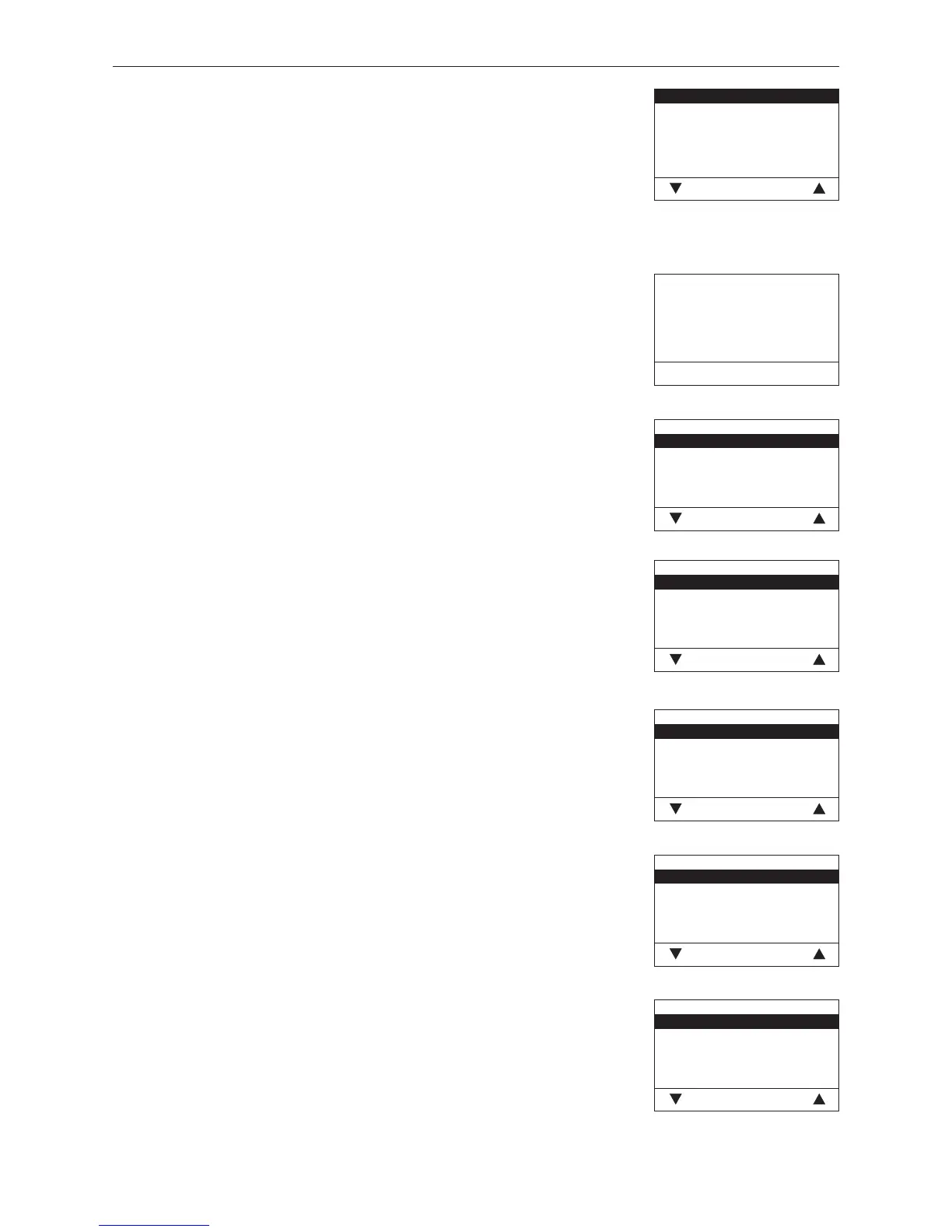
Install display module
This is not required for the LogWIN.
Start installation procedure
Please press LON button
on automatic firing
device briefly
Back
Language selection
Deutsch
English
Française
Italiano
Choose Back
Language selection
The InfoWINplus can show the display texts in various languages. The language
required can be selected in this sub-menu.
Temperature format
°C
°F
Choose Back
Temperature format
All temperatures are displayed in the chosen format (e.g. 30.6 °C or 87.0 °F).
Factory setting: °C
Selection: °C and °F
Time format
24h
12h
Choose Back
Time format
The time is displayed in the chosen format (e.g. 14:12 or 02:12 PM).
Factory setting: 24 h
Selection: 24 h or 12 h
Date format
DD/MM/YYYY
MM/DD/YYYY
Choose Back
Date format
The date is displayed in the chosen format (e.g. Wed 17.02.2010 or Wed
02/17/2010).
Factory setting: DD.MM.YYYY
Selection: DD.MM.YYYY
MM/DD/YYYY
4.7.4 Settings
This sub-menu contains the following settings:
– Install display module
– Language selection
– Temperature format
– Time format
– Date format
– Weight
Install display module
Language selection
Temperaturskala
Time format
Date format
Weight
Choose Back
Fig. 84
Fig. 85
Fig. 86
Fig. 87
Fig. 88
Fig. 89
Fig. 90
Weight
t, kg
tn. sh., lbs
Choose Back
Weight
The weight is displayed in the chosen format (e.g. 6.5 kg or 14.3 lbs).
Factory setting: t, kg
Selection: t, kg or tn. sh., lbs



 To Next Page