20
2. For the Installer
2.3.12 Installing the control panel
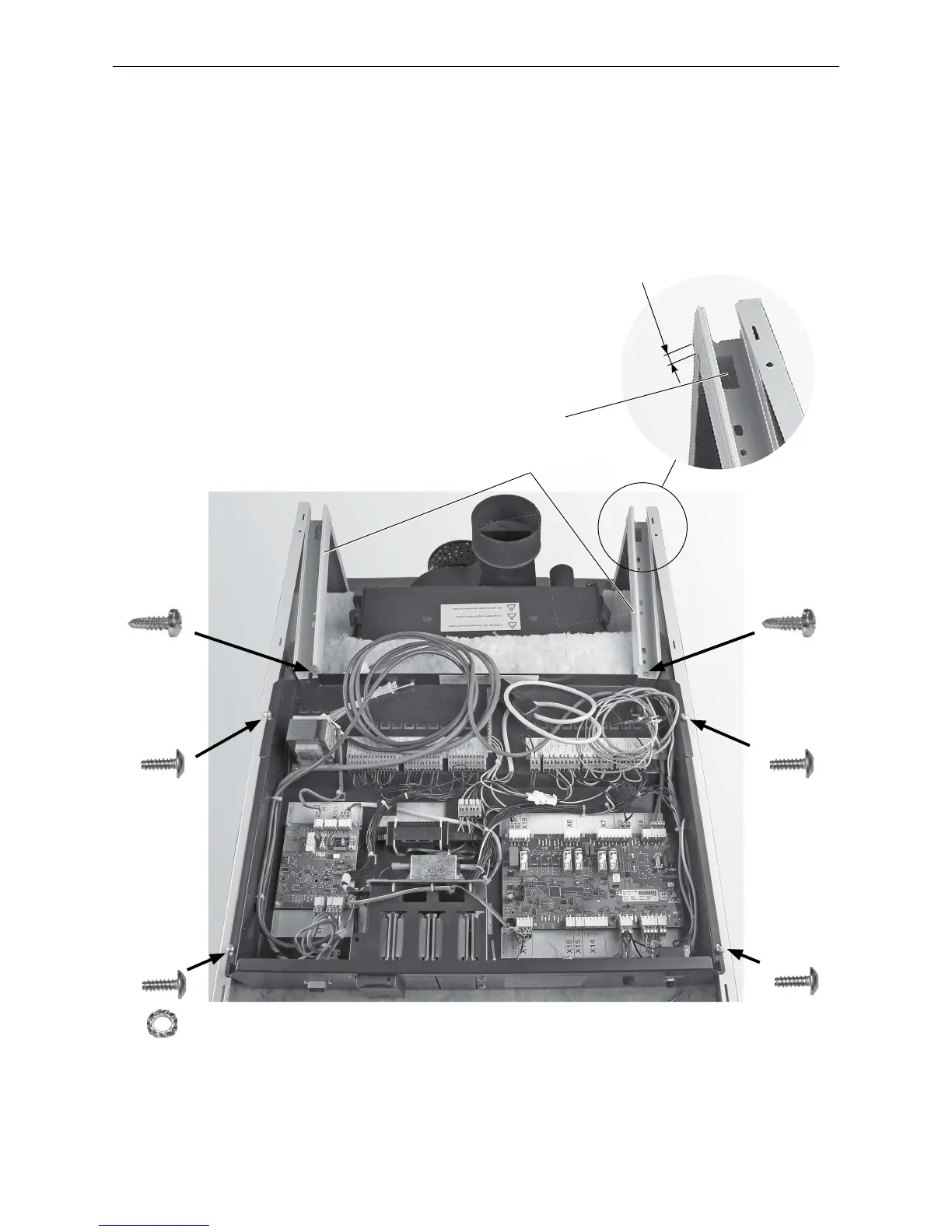
– Place the control panel on the side panels and attach it to each with 2 self-tapping screws and 1 saw tooth ring
for earthing – Fig. 34.
– Attach the cable channels at left and right (feed-through at rear) with a drilling screw on each side to the front
of the control panel; leave some overhang over the cladding at the rear (approx. 5 mm) – Fig. 34. Cable routing,
see Fig. 40 and Item 3.
Fig. 34 Screw the control panel on loosely; screw the cable channels tight.
1 x
1 x
1 x
Cable channels
1 x



 To Next Page