44
4. For the Service Technician
4.8 InfoWINplus basic settings
Information!
Only trained service personnel may perform modifications in the basic settings.
The basic settings are used to
– set whether the InfoWINplus controls a wood or pellet boiler or whether it is solely used as master operation;
– switch the master operation functions on and off;
– activate/deactivate remote switching by text message.
The basic settings are undertaken in the factory before delivery as per the order.
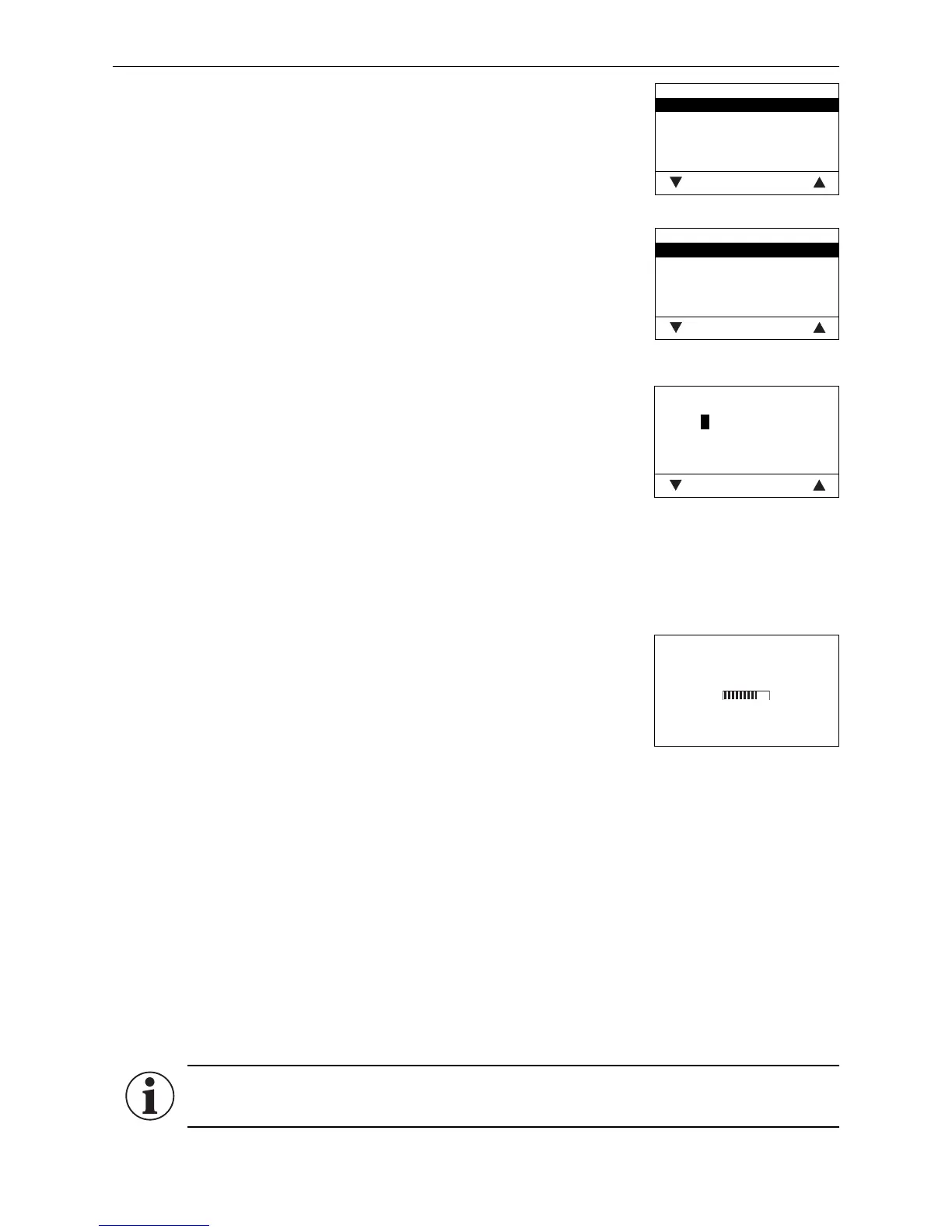
Date format
DD/MM/YYYY
MM/DD/YYYY
Save Back
Date format
The date is displayed in the chosen format (e.g. Wed 17.02.2010 or Wed
02/17/2010).
Factory setting: DD.MM.YYYY
Selection: DD.MM.YYYY
MM/DD/YYYY
Fig. 102
Fig. 103
Weight
t, kg
tn. sh., lbs
Save Back
Weight
The weight is displayed in the chosen format (e.g. 6.5 kg or 14.3 lbs).
Factory setting: t, kg
Selection: t, kg or tn. sh., lbs
Fig. 104
Function
LogWIN
Save Back
Function
The name (e.g. LogWIN) of the boiler can be changed via „Function“.
<
4.7.5 Installation of MESplus modules
Display if an MESplus module is installed (connected) or uninstalled
(disconnected)
Installation procedure active
(Animated symbol)
Fig. 105



 To Next Page