29
2. For the Installer
2.3.23 Checking the cladding door switch
– When closing the cladding door, the cladding door switch must still have sufficient shifting travel after switch-
ing (audible clicking) before the cladding door is totally closed – Fig. 61. If necessary, use a screwdriver at the
top inside the control panel to reset – Fig. 62.
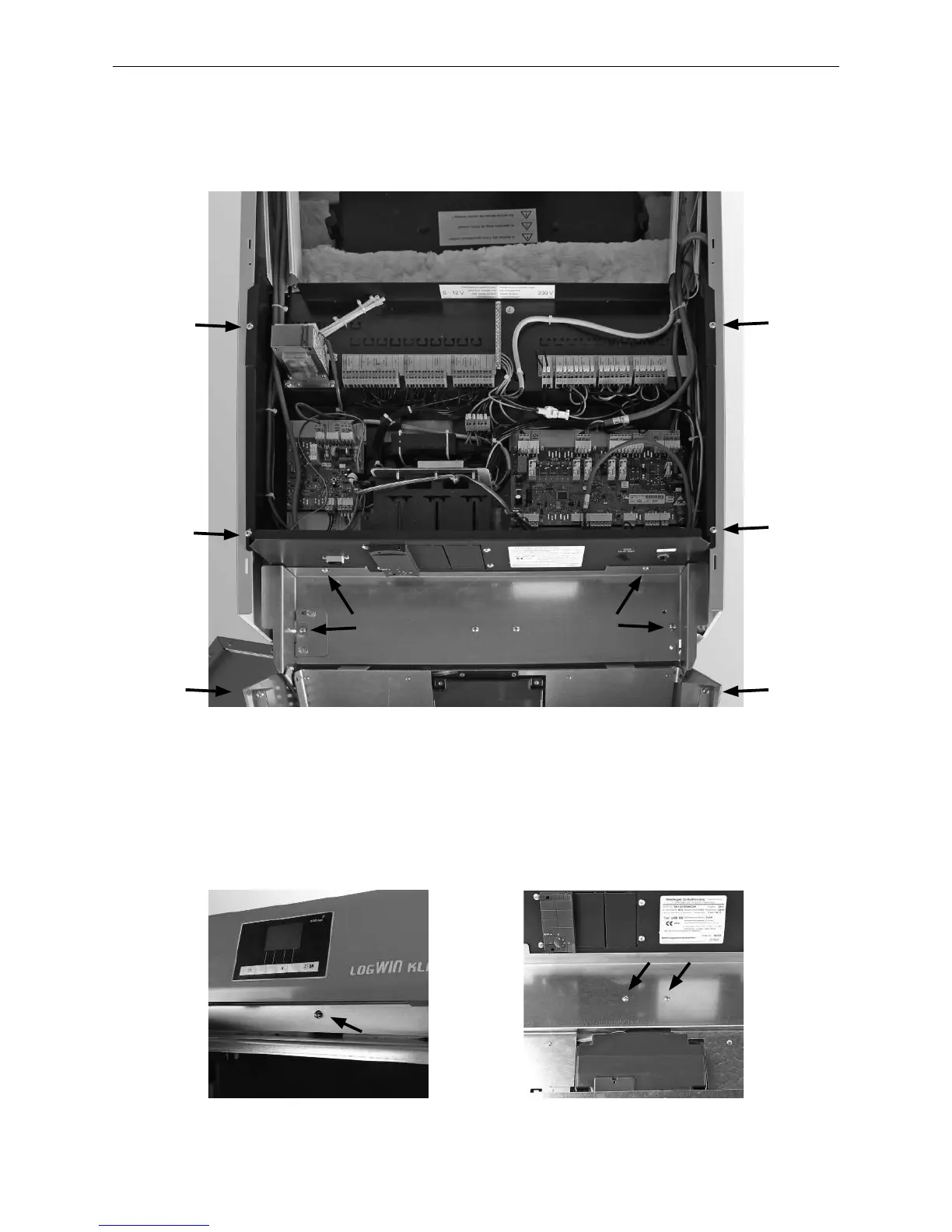
2.3.22 Adjusting the cladding
– Adjust side panels, cladding door and control panel visually by the width of the cladding door or equal gap size
and tighten all screws – Fig. 60.
Fig. 60 Adjusting cladding, tightening all screws
Fig. 61 Door switch must click Fig. 62 Reset door switch with screws



 To Next Page