Chapter 3: Setting Up Windows for the First Time
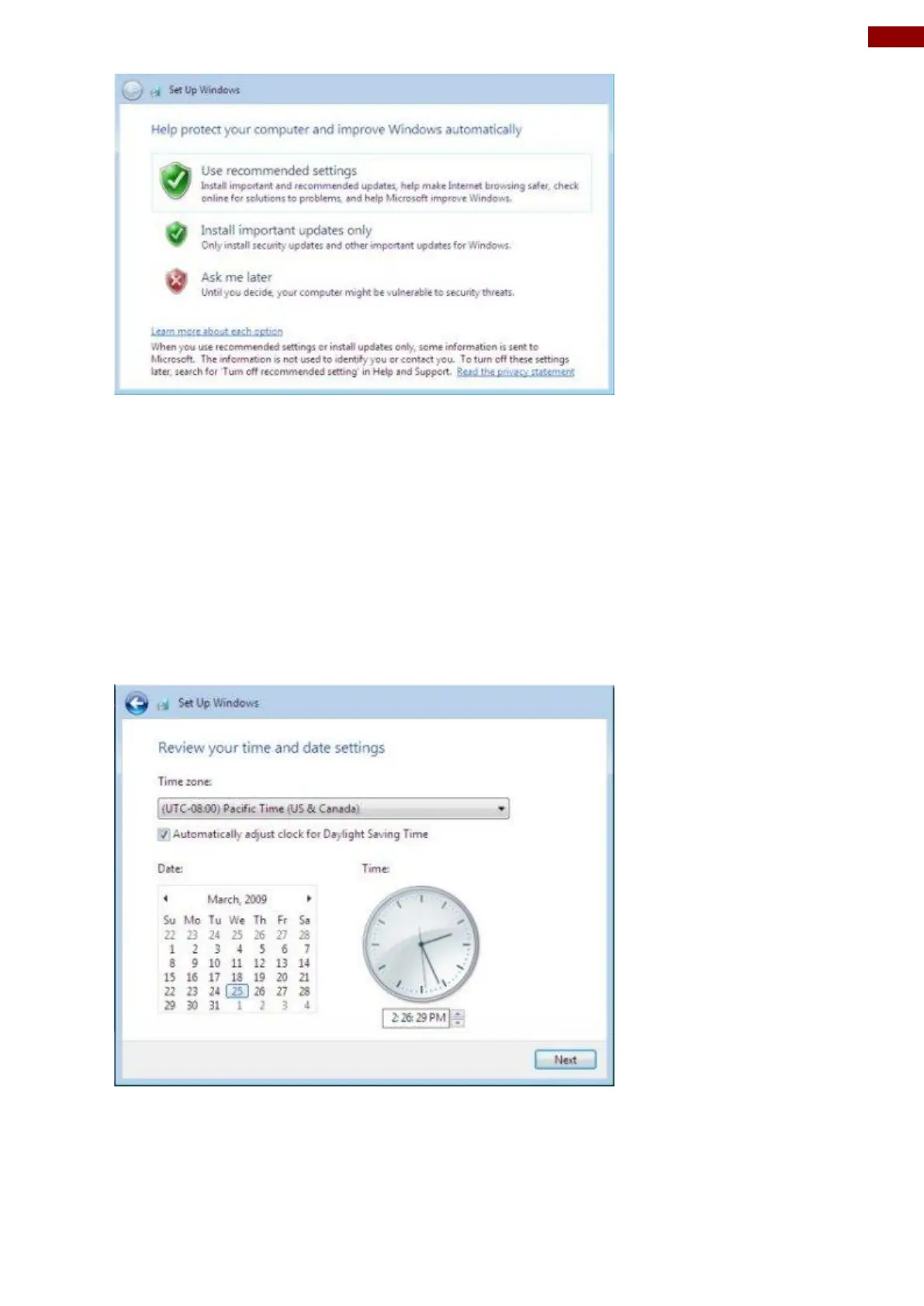
You have three choices:
1. Use recommended settings (automatically downloads and installs all updates provided by
Microsoft)
2. Install important updates only (only downloads and installs critical updates)
3. Ask me later.
Click the option you wish to use.
Reviewing your time and date settings
The next screen contains options for changing the date and time settings.
Verify your time zone, time, and date. Make any necessary changes. Then click Next to continue.



 To Next Page