Chapter 5: Frequently Used Settings
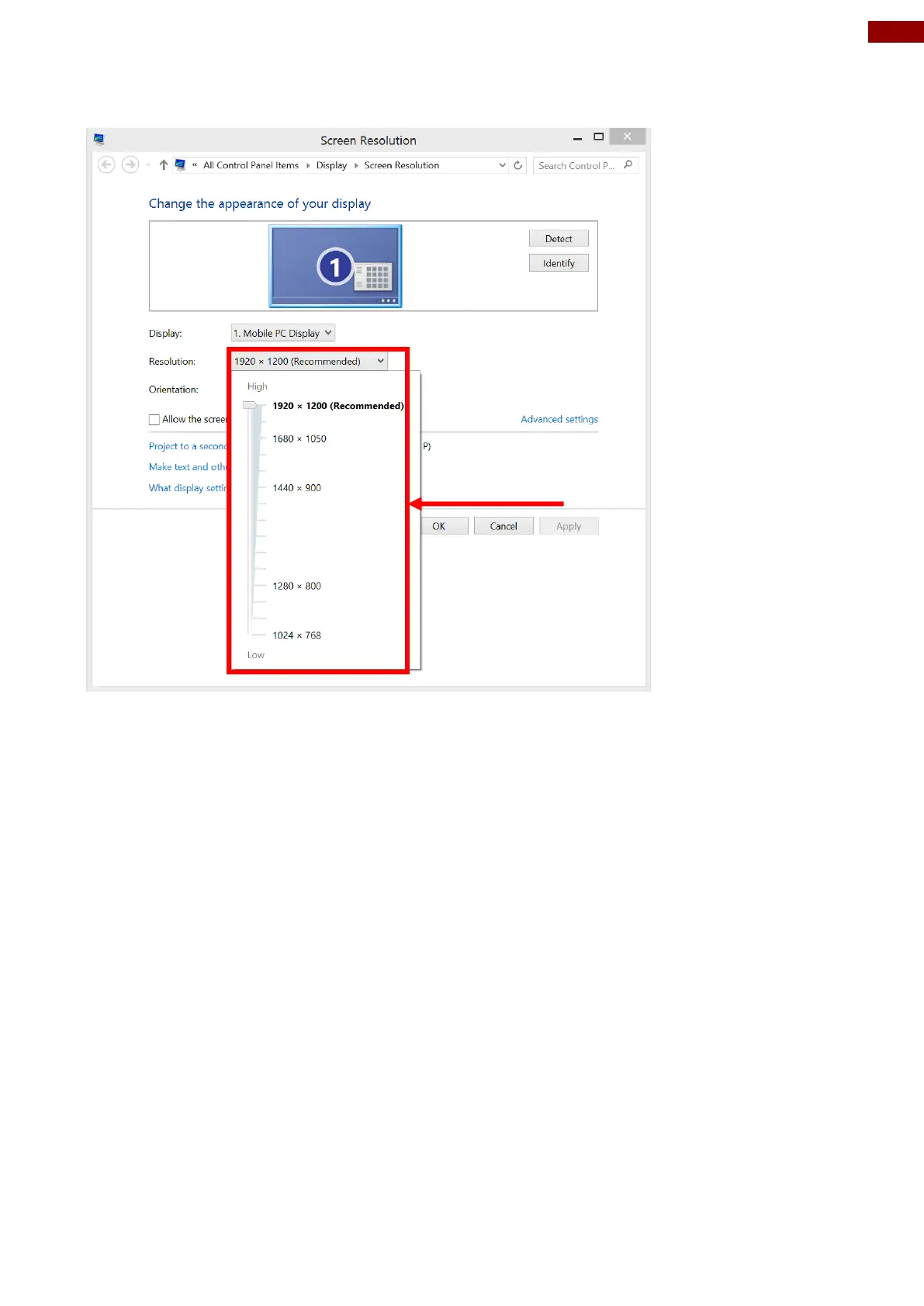
2. Click on the dropdown option next to “Resolution” and select the desire resolution by
tapping on the scale:
3. Hit “Apply”. A prompt “Display Settings” prompt will show up to ask the user if the applied
resolution is usable.
4. If the new resolution is the desired display setting hit “Keep changes” and continue to next
step. If the new resolution is not desirable, hit “Revert” and select a different resolution to
change to, and start again from step 2.
5. The user may now use the device with the new resolution setting.



 To Next Page