14
User Manual WMF 1400
Operation
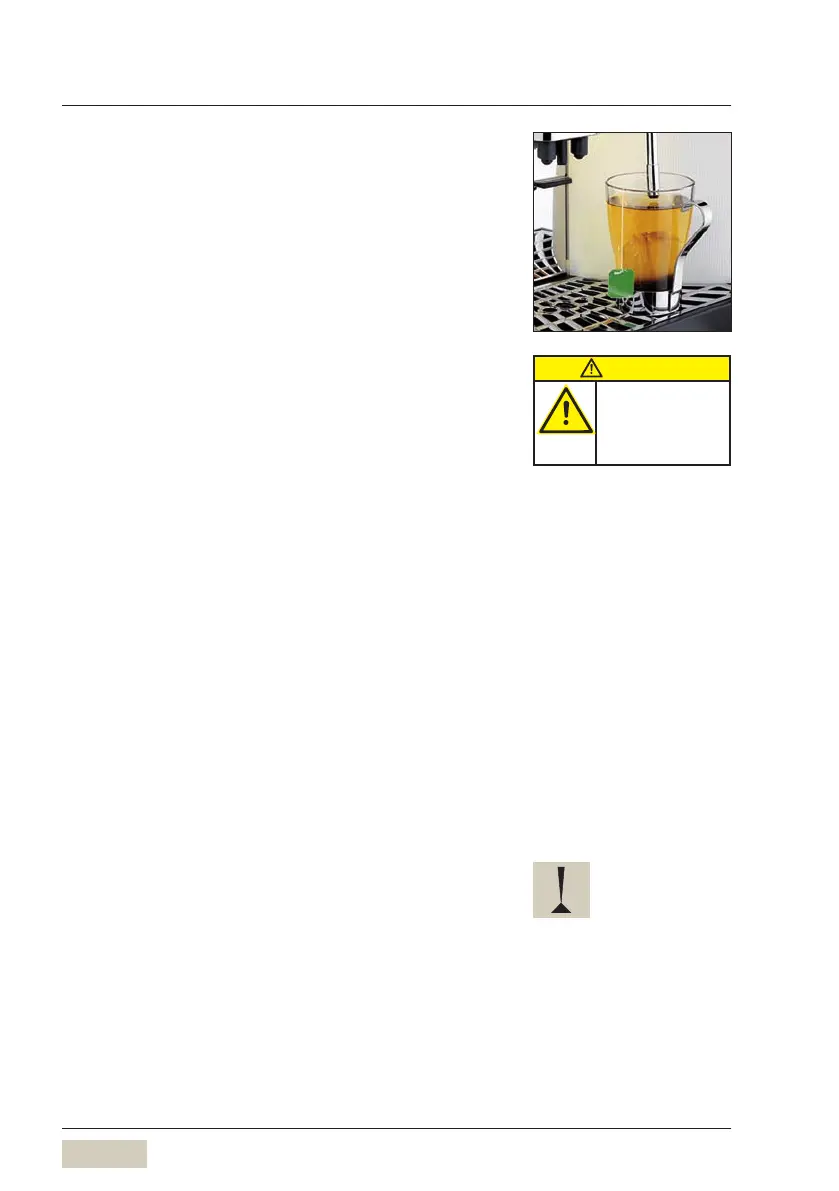
2.5 Dispense hot water
Pressing the hot water button starts dispensing.
If less water is required than is set to dispense, dispensing
can be stopped by pressing the button again.
2.6 Dispense Steam (optional)
Press steam button
Steam is dispensed for as long as the button is held.
Steam
warms beverages •
manually foams milk•
Warm beverages
Use as tall and slim a cromargan jug as possible,
with handle
Fill jug no more than half way
Immerse steam nozzle deeply into jug
Press and hold steam button until desired temperature
is reached
Release steam button
Swing steam outlet over to the drip tray
Briefly press steam button
Residues in the steam outlet tube are rinsed out.
Wipe steam outlet with a damp cloth.
Foam milk
Use as tall and slim a cromargan jug as possible,
with handle
Fill jug no more than half way
Immerse steam nozzle into jug to just under the surface
Press and hold steam button whilst rotating jug in a
clockwise direction
A thick creamy milk foam results.
Release steam button
Swing steam outlet over to the drip tray
Briefly press steam button
Residues in the steam outlet tube are rinsed out.
Wipe steam outlet with a damp cloth
CAUTION
Burn hazard.
Hot steam.
Do not reach under
the spouts.
Such as the cromargan jug,
WMF order code 06.3417.6040
Do not overheat milk when
foaming, otherwise foam volume
decreases.



 To Next Page