35
User Manual WMF 1400
Software
Warm rinse pad
Recommendation for self-service: inactive.
Barista pad
Recommendation for self-service: inactive.
2nd Level/toggle pad
Recommendation for self-service: inactive.
ON/OFF button
Recommendation for self-service: via PIN.
If “via PIN” is set then the PIN for the cleaning level will be
queried when switching on or off.
Menu pad
Recommendation for self-service: delayed.
If “delayed” is set here, then the menu button is shown
only if the display is touched twice.
Illumination
Pressing the button changes the illumination color.
Press buttons 1 – 9: preset colors•
Press button 10: flashing light•
Press button 11: freeze the current color•
Press button 12: LED illumination “off”•
Introduction
The Introduction program is started here.
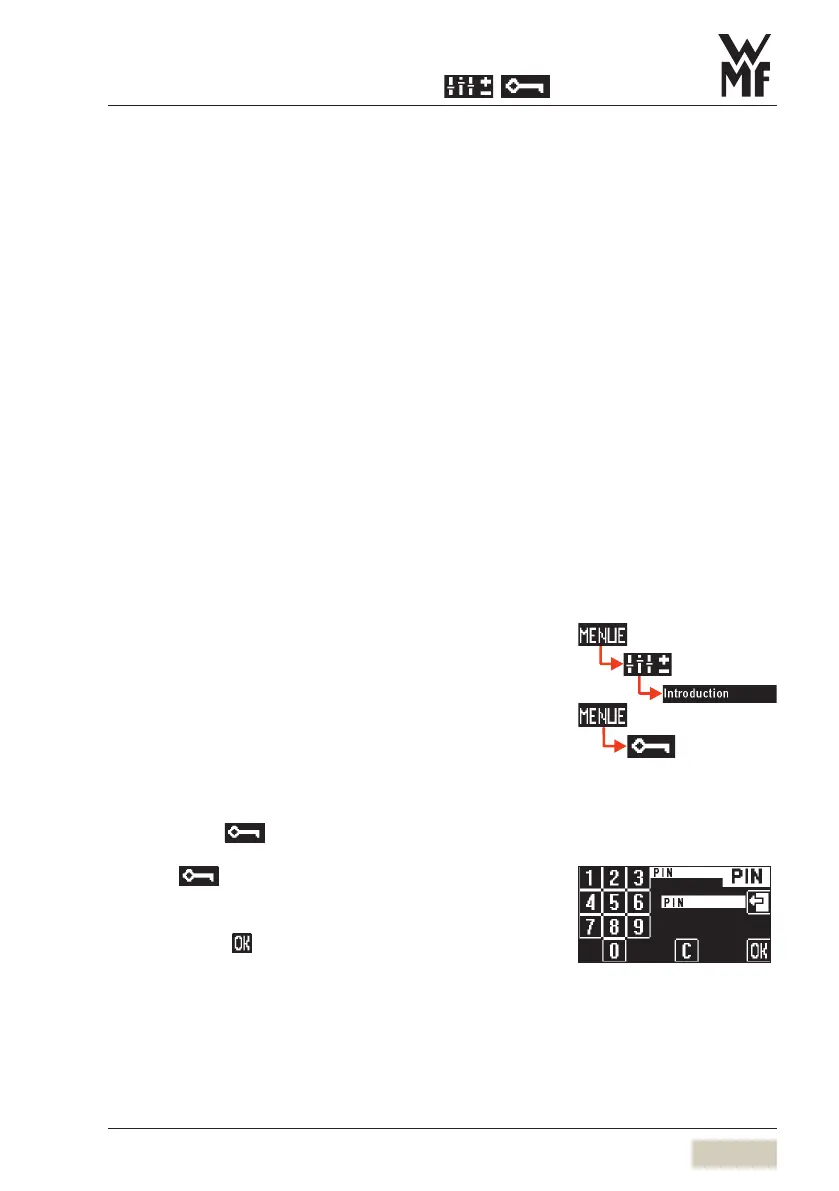
3.3.5 Enter PIN
Individual authorisation levels can be protected using a
PIN.
For access to a PIN-protected level, the PIN must be
entered via the
pad.
Touch
in the main menu
Numerical keyboard display appears.
Enter required 4-figure PIN
Confirm with
Following entry of a valid PIN, the assigned functions are
available.
See
PIN Rights access in the
Software chapter
See
To main menu
Software chapter
PIN entry display



 To Next Page