Messages and instructions
Chapter 8 Messages and instructions
8.1 Messages for operation
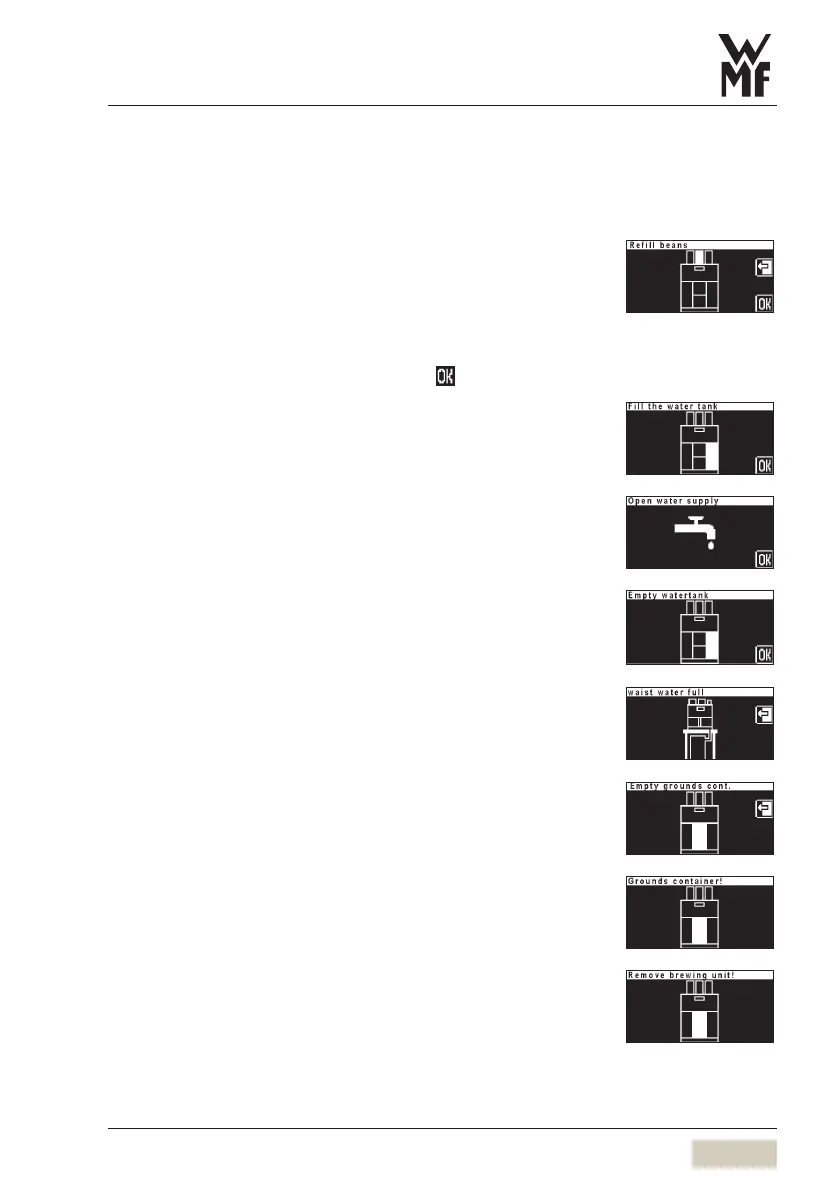
Refill beans
Top up bean hopper (indicated on display)
Check:
Product reservoir lock open?•
See Care chapter.
Beans do not feed through. •
Stir with a large spoon and confirm with
Coffee machines without mains water supply only:
Fill water tank
Fill water tank and replace against stop
Coffee machines with mains water supply only
Open water supply
Turn on water mains supply and confirm
Empty water tank (Aquaflex machine)
Empty water tank
A message is displayed when you switch from the water tank to the
constant water supply.
Waste water tank full
(for waste water tank with full alarm)
Empty and replace waste water tank
Empty coffee grounds container
Empty coffee grounds container
Coffee grounds container is missing
Replace coffee grounds container and close adjustable screen
Brewing unit error
Remove brewing unit
Clean brewer sieve
Replace brewing unit and ensure that it engages correctly
in the lock



 To Next Page