21
User Manual WMF 1400
Software
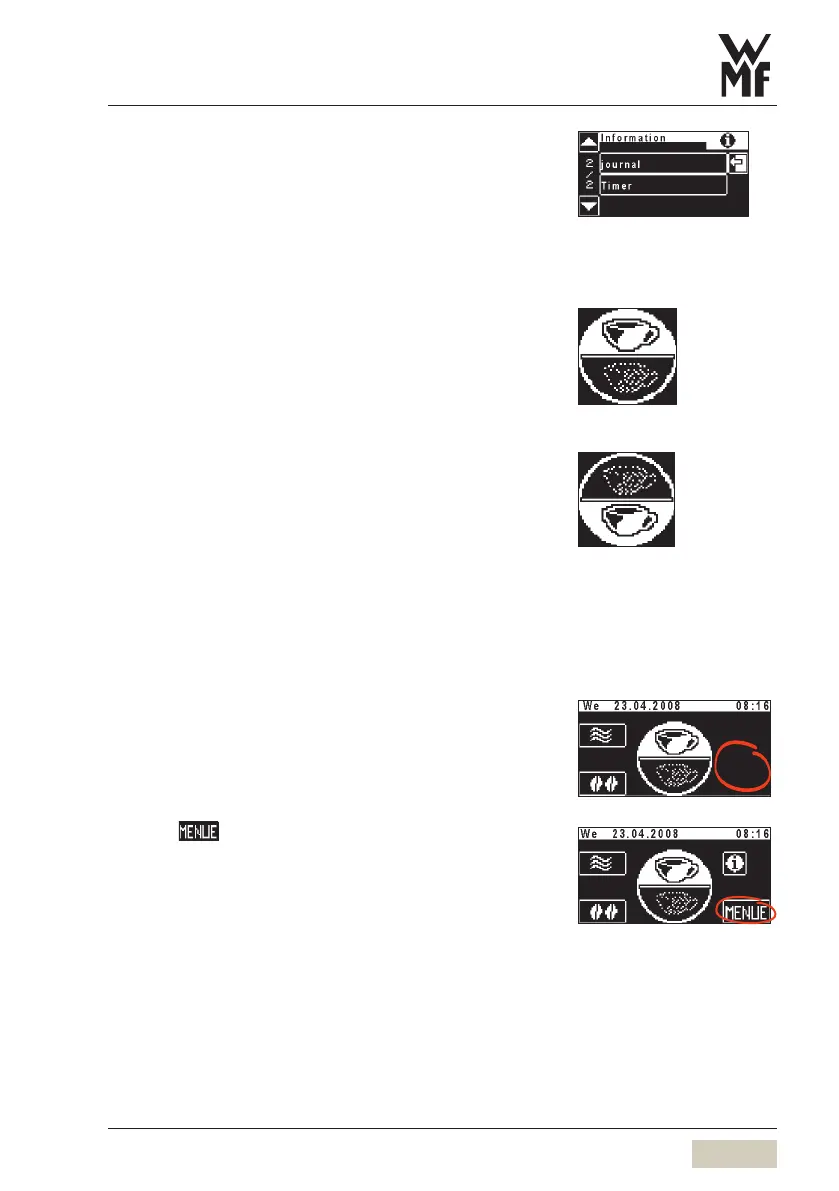
Journal
• List of recorded errors and messages.
(for the telephone support team)
Timer
Display of the timer status (On/Off) •
Display of the next switching time •
3.2.4 Toggle pad (optional)
Each beverage button may be doubly allocated.
Beverage buttons have a second level for this purpose.
Level 1 activated
Touching the toggle pad
Level 2 activated
A repeated touch switches back to level 1
3.2.5 To main menu
Call up the main menu:
Touch clear pad on ready to operate display
Additional pads are activated.
Touch
The main menu is displayed.
Level 1 is active
Level 2 is active
Toggle pad (active/inactive)
see Settings > Operating options
Software Chapter
Ready to operate display
... with additional pads
Delayed fading in:
see Settings > Operating options
Software chapter



 To Next Page