32
User Manual WMF 1400
Software
The five available quality levels affect the coffee brew.
The higher the quality level the more intensive the release
of the taste and aromatic substances in the coffee.
Quality 1
After pressing the coffee, grounds are given
time to expand.
Quality 2
After pressing, the coffee is immediately
brewed.
Quality 3
After pressing a pre-infusion follows.
Quality 4
After pressing and a pre-infusion, a second
wet pressing follows.
Quality 5
After pressing, a pre-infusion follows. In
addition the brew time is automatically
extended.
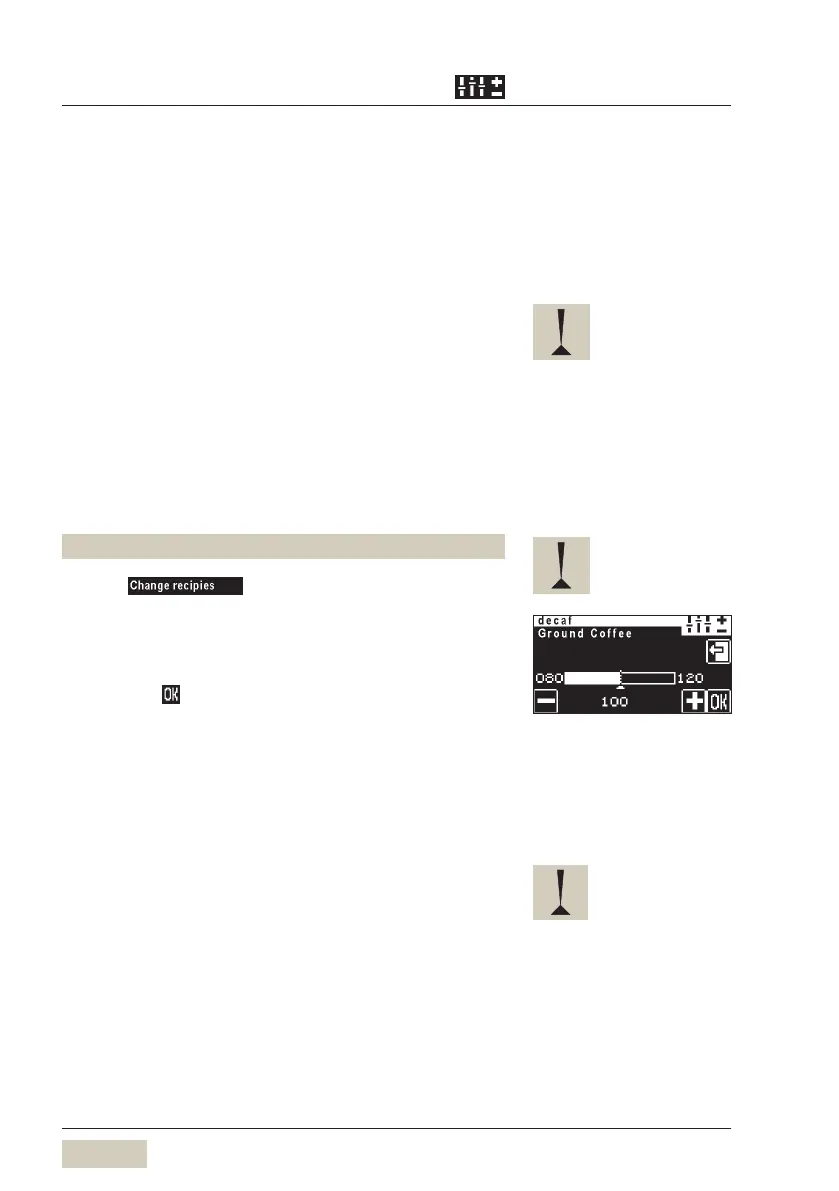
Set decaf (optional)
Decaf mill is always the left hand mill.
Press
Press “Decaf” button
Ground coffee quantity for decaf is set by percentage for
the ground coffee quantity set in the standard recipe.
This setting applies to all preselected coffee beverages.
Save with
Button allocation
Each beverage is allocated to a beverage button.
This button allocation is set here.
Select grinder for a coffee beverage
(only for 2 grinders, without decaf)
Press beverage button
Select recipe, for example espresso
Select grinder (on the right or left)
Caution
An excessively high quality setting
may lead to a brew water error.
The portioner cannot be selected
for the Choccocino beverage.



 To Next Page