24
User Manual WMF 1400
Software
Copy day
Any day may be copied to other days, complete with its
switch times/events.
Touch
Program the switch on and switch off times.
Touch .
Touch number pad under
Day
Day of the week selection is displayed again.
Scroll through to page 4
Touch
Day of the week selection is displayed again.
Select the day that you want to copy
Touch
Select the day you want to copy the time settings to
The day is copied.
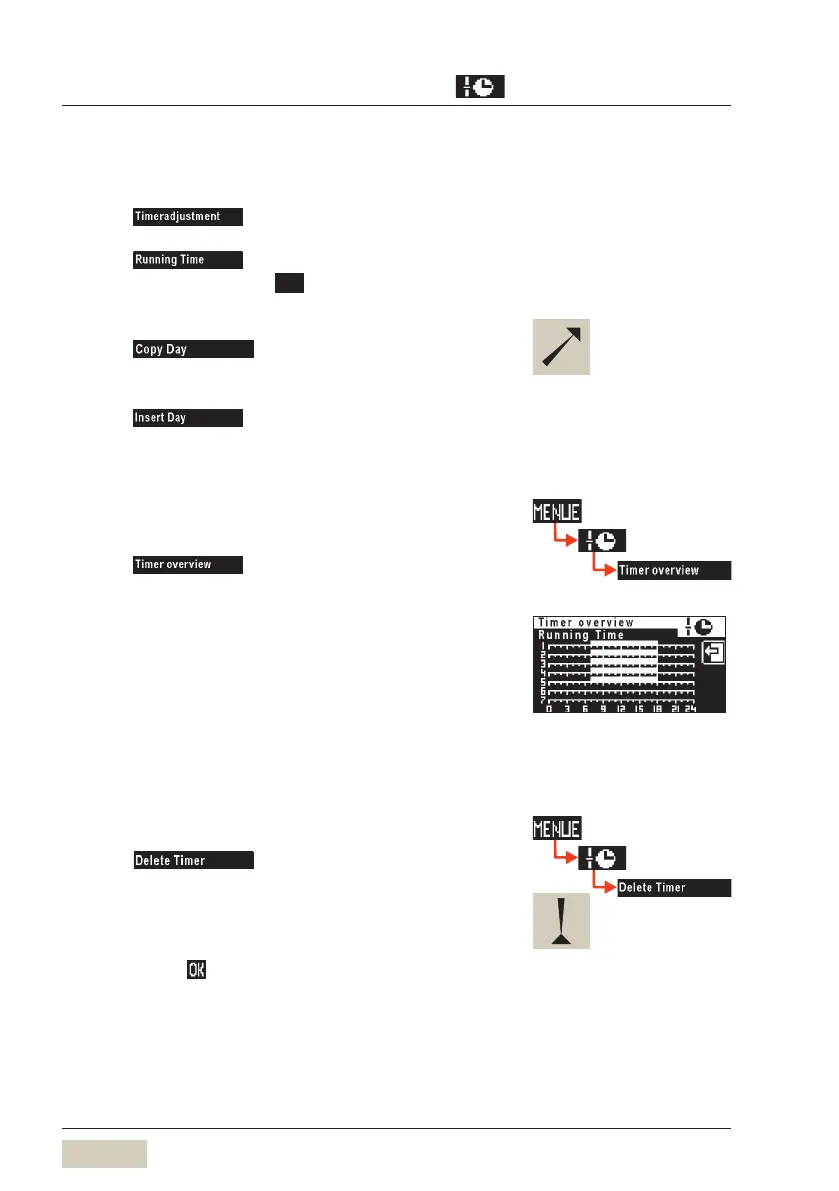
Timer overview
Checking the programmed switch times:
Touch
The week overview is displayed graphically. Switch on times
are indicated by white bars.
Delete timer
Touch on page 2 of the timer main
program menu
Scroll to desired day and touch to select
A security dialogue now appears querying whether
deletion is actually intended.
Confirm with
The day is deleted with all its timer events.
For day 1-5 or day 1-7, the
switching times are copied to the
indicated days.
The individual days 1,2,3 ... 7 are
displayed.
To check times:
See Timer overview.
Example:
Timer events Monday to Friday
(1-5).
On time 7:00 hrs
Off time 18:00 hrs
This action cannot be undone.



 To Next Page