55
User Manual WMF 1400
Messages and instructions
In many cases the error is rectified by this and you can
carry on working.
If this is not successful: Find the error message or error
code in the following list and follow the sequence of
actions indicated.
If this does not rectify the error, or if the error number is
not listed, please call WMF Service.
Some messages lead to blocking of individual functions.
You will notice this by the fact that the beverage button
light goes out. The beverage buttons that are still
illuminated can continue to be used.
Your WMF 1400 is provided with a diagnostics program.
Any errors that occur are shown on the display. The errors
listed may also be caused by an interruption to the mains
electricity supply.
If there is a current error or a message to the operator,
pad is displayed.
Touch pad
Error number is displayed.
Error
display
Error
description
Action instruction
6 Brewing unit
stall current/
Brewing unit
difficult to move
Switch off coffee machine
Clean the brewing unit
See Care chapter, Cleaning the brewing unit
26
36
Right hand mill
blocked
Left hand mill
blocked
Switch off coffee machine
Disconnect mains plug
Remove bean hopper
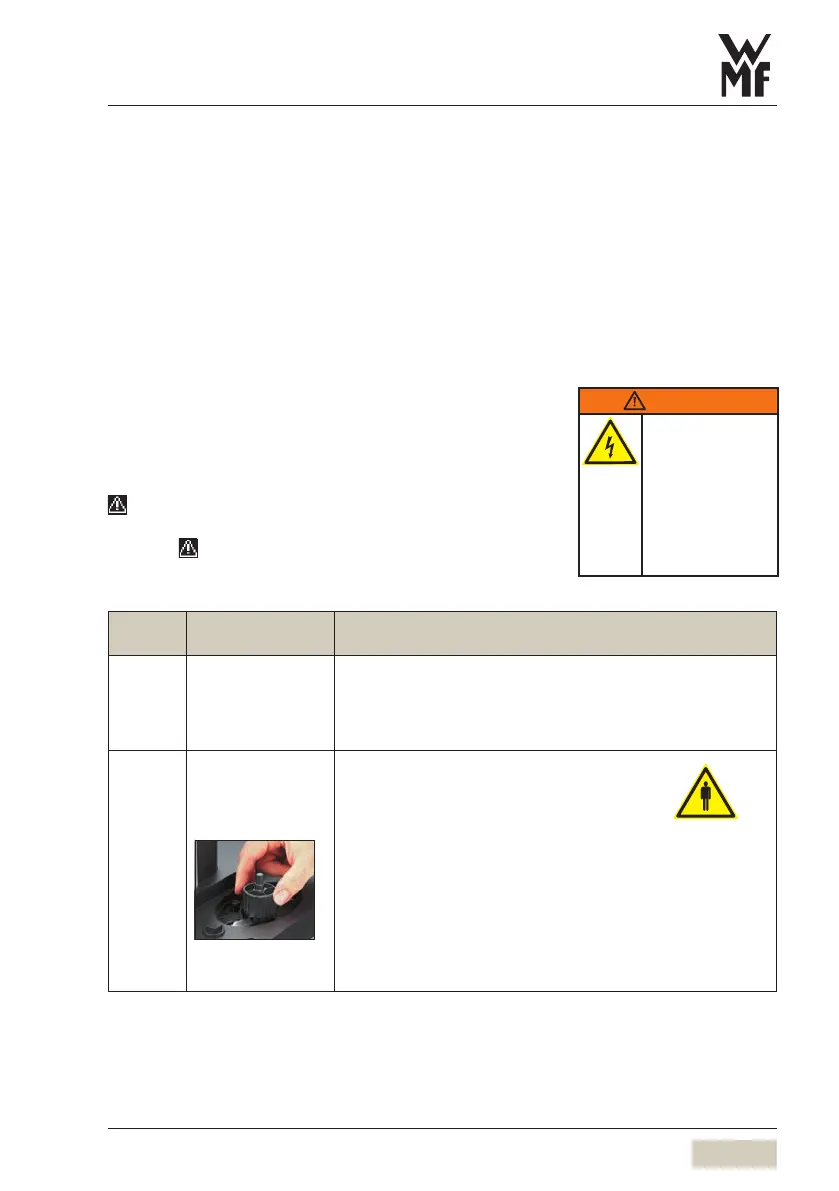
Turn grinder disk counter-clockwise;
use only the Multitool (square) (see illustration).
Replace bean hopper
Switch on coffee machine
See Care chapter, Cleaning, Product hopper
If this occurs frequentlye:
Set grinding degree one stage coarser
See Other Settings chapter, Set grinding degree
WARNING
Risk of fire or
electric shock.
Do not remove cover.
No user-serviceable
parts inside.
Repair should be
done by authorized
service personnel
only.



 To Next Page