Storing a Fax in a Local Mailbox
The system administrator must create a mailbox and enable and configure Store to Mailbox before
you can use these features. For details, refer to the System Administrator Guide at:
• www.xerox.com/office/WC3335docs
• www.xerox.com/office/WC3345docs
To store a fax in a local mailbox:
1. At the printer control panel, press Services Home.
2. Touch Fax→Mailboxes.
3. Touch Store To Mailbox→Local Mailbox.
4. Enter a mailbox number and passcode, then touch OK.
Xerox
®
WorkCentre
®
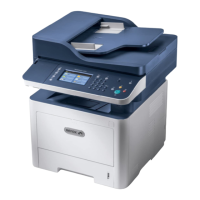
3335/3345 Multifunction Printer
User Guide
123
Faxing


 To Next Page
 Loading...