Printer Configurations and Options
AAvvaaiillaabbllee CCoonnffiigguurraattiioonnss
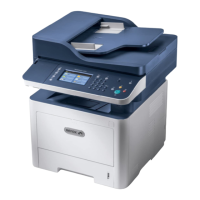
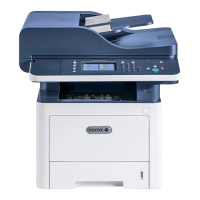
This printer is available in the following configurations:
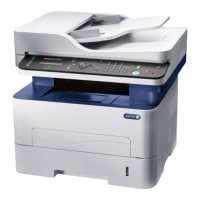
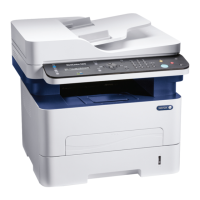
• WorkCentre
®
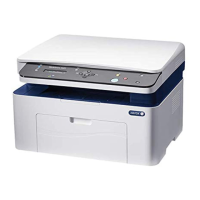
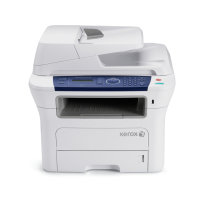
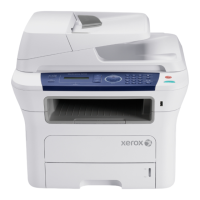
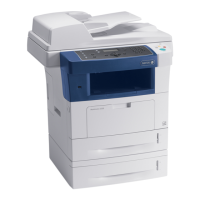
3335: This configuration is a network printer and includes the following features and
options:
– Copy
– Print
– Scan
– Fax
– Automatic Document Feeder (ADF)
– 50-sheet bypass tray
– Tray 1 with 250-sheet capacity
– Optional tray 2 with 550-sheet capacity
• WorkCentre
®
3345: This configuration is a network printer and includes the following features and
options:
– Copy
– Print
– Scan
– Fax
– Reversing Automatic Document Feeder (RADF)
– 50-sheet bypass tray
– Tray 1 with 250-sheet capacity
– Optional tray 2 with 550-sheet capacity
SSttaannddaarrdd FFeeaattuurreess
Print speed WorkCentre
®
3335 Printer:
• Letter (8.5 x 11 in.): Maximum 35 prints-per-minute (ppm)
• A4: Maximum 33 ppm
WorkCentre
®
3345 Printer:
• Letter (8.5 x 11 in.): Maximum 42 ppm
• A4: Maximum 40 ppm
2-Sided print speed WorkCentre
®
3335 Printer:
• Letter (8.5 x 11 in.): Maximum 17 ppm
• A4: Maximum 16 ppm
WorkCentre
®
3345 Printer:
204
Xerox
®
WorkCentre
®
3335/3345 Multifunction Printer
User Guide
Specifications



 To Next Page