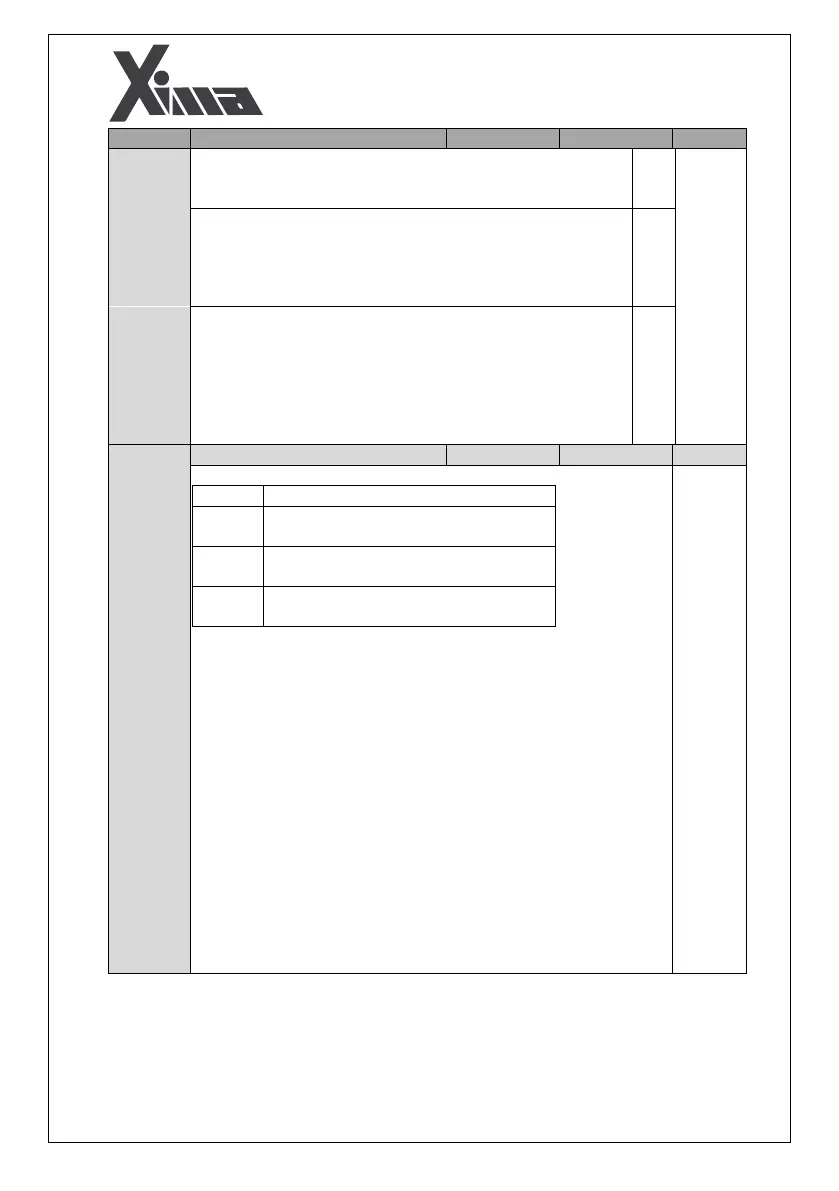
Restore Edited Parameter: If you like to restore the previous
values of the parameters after choosing the default values, press
ENTER for 5 seconds after you set this parameter to 2.
Backup Edited Parameter: By holding ENTER for 5 seconds, the
current values of the parameters are saved into the device
backup memory and they can be restored as the second step.
This case is used when the operator intends to make changes that
it might be required to restore those changes.
Activate Bootloader: by setting this parameter and holding ENTER
for 5 seconds, the device will jump from application to the
bootloader and its firmware can be updated to the latest version
using Xima USB-485 interface module and Xima Firmware
Upgrade software. If by mistake jumped into the bootloader, just
power off/power on the device and the device will reset to the
normal state.
In the rescue mode, the I7 input and one of the I1 or I2 direction inputs
must be enabled. Then, the inverter will start moving the cabin to the
nearest floor based on the Pd03 parameter.
If Pd03 is set to 1, the inverter will move for the duration defined in the
Pd06 parameter (Rescue Search Time), based on the direction (Up or
Down) that is enabled by the control panel. Then it checks for other
direction. After the comparison, it selects the direction that requires less
torque for continuing movement.
If Pd03 = 2, the inverter will move to the next floor with its maximum
speed (up to PA24) in the rescue mode while its input power does not
exceed Pd04.
If Pd03 = 3, the inverter will move based on the direction enabled by the
control panel with the power specified in the parameter Pd04 and with
the speed specified in the parameter Pa24. Optimum direction is
determined using voltage and current values. If enough torque is created
to move the cabin, the inverter will continue moving, otherwise, the
applied torque will increase by decreasing the frequency.


 To Next Page