Installation with Quick Menu
In this section, the easy installation process for XIMA inverters, will be described for an ordinary
user in a step-by-step process. The Quick Menu is a three-parameter menu which we can access
by pressing Enter for 3 seconds. In this menu we can set the rated current of the motor, the
distance from the low-speed magnets to the floor, and the landing distance, respectively.
Only these three parameters are enough to set the inverter, and more precise settings can be
made from the main menu.
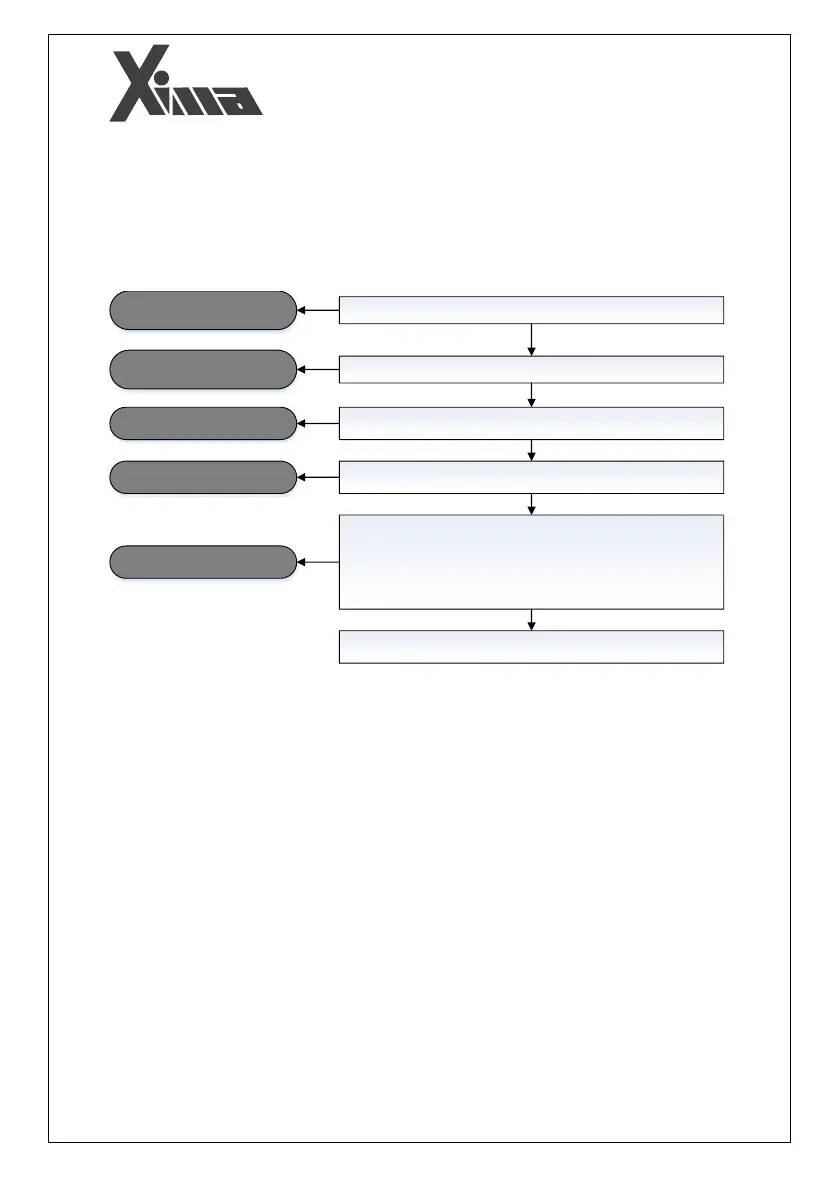
Connect the power input to the R-T-S inputs
Connect the motor inputs to the U-V-W outputs of the inverter
Wait until the device checks the screen and internal functions and
gets ready to work
Press Enter for a few seconds to enter the Quick Menu
Connection of the power input to
the inverter
Connection of the inverter to the
motor
The device being turned on
Quick Menu parameter settings
In this menu 3 parameters must be entered:
• Rated current of the motor
• Distance from the leveling magnet to the floor
• Landing distance (distance between the two leveling magnets)
Finalizing the parameters
After definition of the parameters, the inverter gets ready to work
by connecting its inputs to the control panel


 To Next Page