Power Management
Configuring the Power Buttons 3 - 11
3
Adding Hibernate/Sleep to the Power Menu
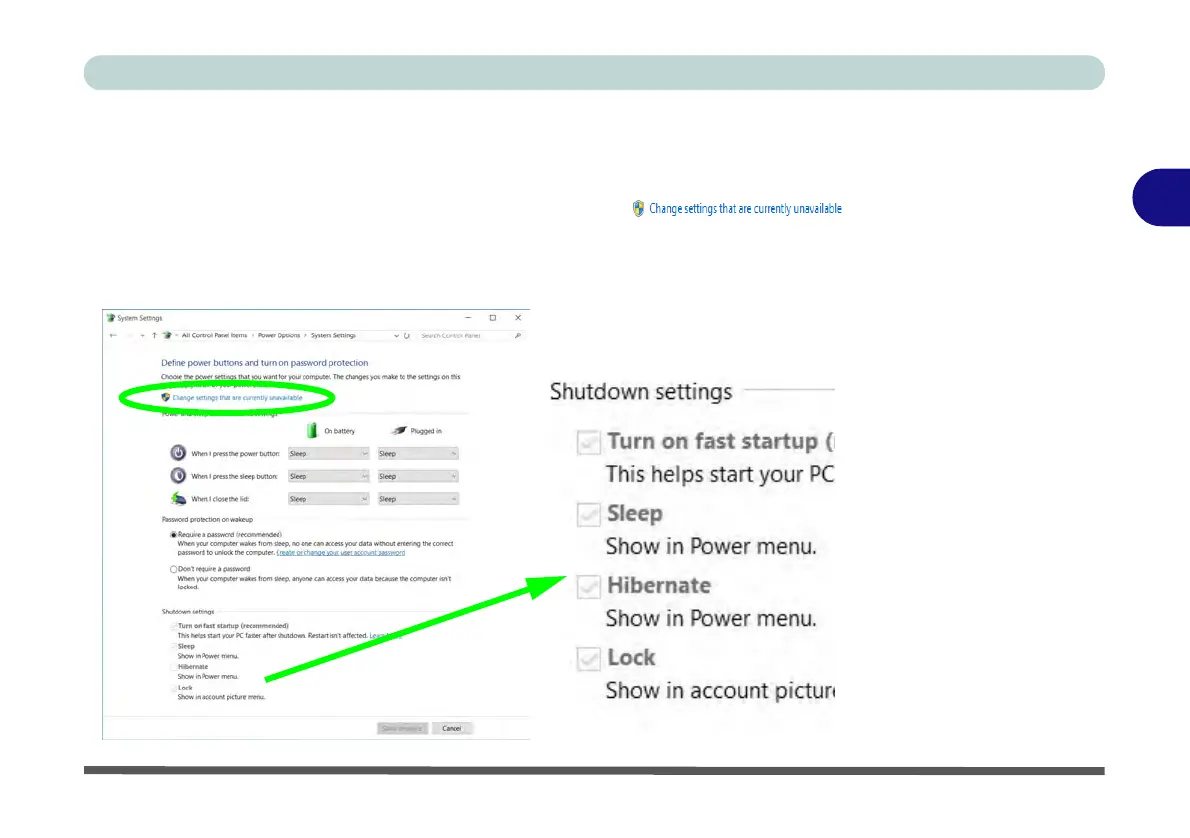
Add Hibernate/Sleep to the Power Menu as follows.
1. Go to the Power Options (Hardware and Sound) control panel.
2. Click “Change settings that are currently unavailable” .
3. Click Choose what the power buttons do.
4. Click to put a check in the Hibernate/Sleep box under Shutdown settings.
5. Click Save Changes and close the control panel.
Figure 3 - 6
Power Options
Define Power
Buttons - Shutdown
Settings



 To Next Page