1 - 18 Flexikey® Application
Quick Start Guide
1
Flexikey® Application
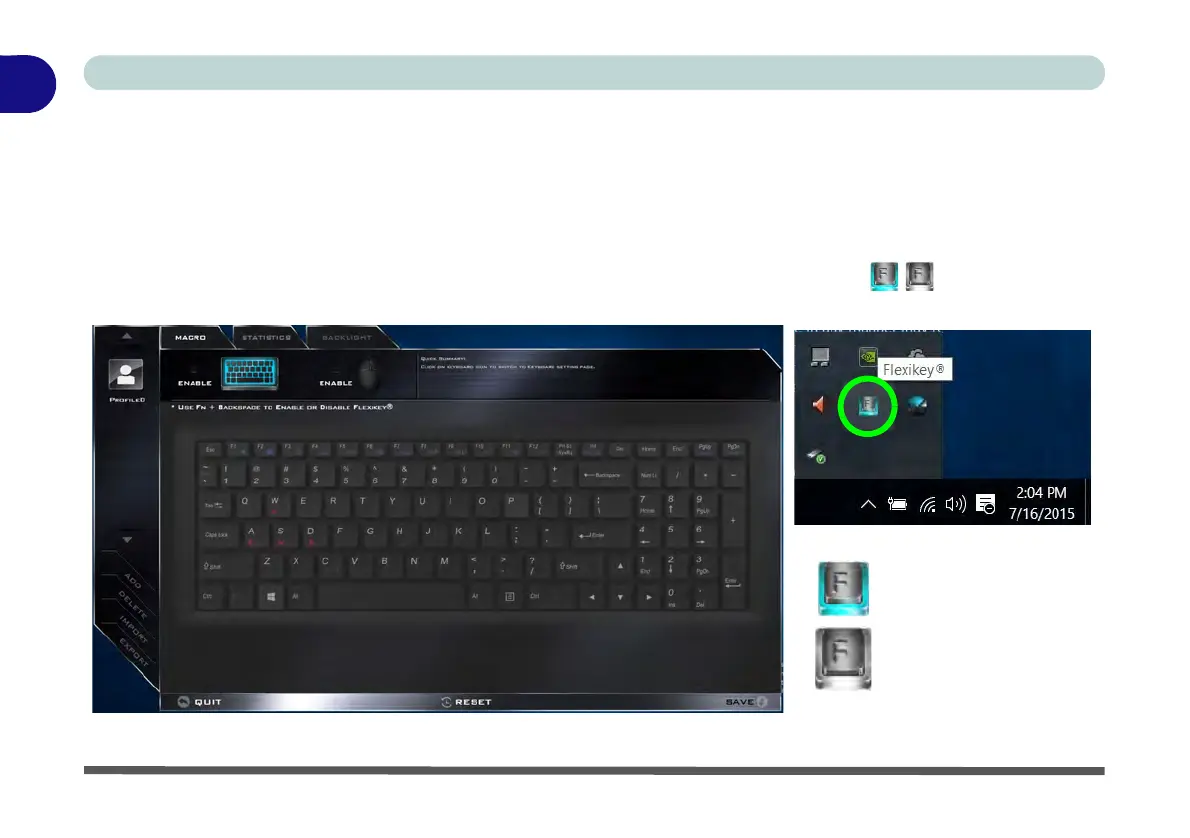
The Flexikey® application is a quick hotkey configuration application, which allows you to assign a single key
to launch multiple key combinations, or to launch programs and applications, to create text macros and to
disable certain keys. The application can also be used to configure the mouse buttons to create hotkeys for
gaming etc. All the configuration settings are retained under (up to12) profiles to which the settings are applied.
Click Flexikey® in the Gaming section of the Control Center, or the click the icon in the notification
area of the taskbar, to launch the application (see Appendix B for full details).
Figure 1 - 11 - Flexikey® Hotkey Application
Flexikey® Enabled
Flexikey® Disabled



 To Next Page