1
2
4
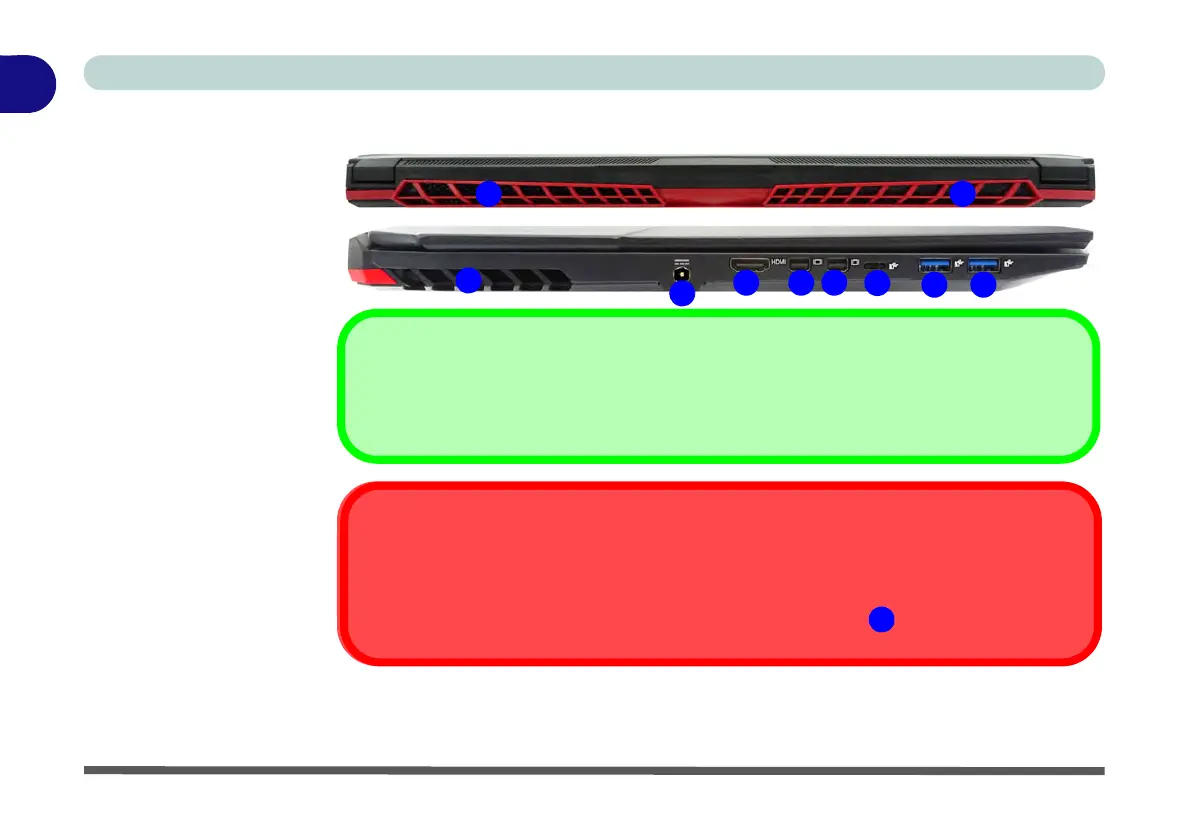
HDMI Port / Mini Display Port 1.3
Note that the HDMI Port and Mini Display ports support video and audio signals to attached external
displays (see “HDMI Audio Configuration” on page C - 9).
3
1
6
7
1
5
7
Thunderbolt™ Port Set for Display
If your purchase configuration includes the Thunderbolt™ combo port then the display configuration for the Thunder-
bolt™ port and Mini Display Port can be set up in the BIOS (see “DDI Control (Advanced Menu > Advanced Chipset
Control)” on page 5 - 11).
If the Thunderbolt™ port is enabled for display then the Mini Display Port #1 will be turned off.



 To Next Page