Modules
6 - 48 Sound Blaster Audio
6
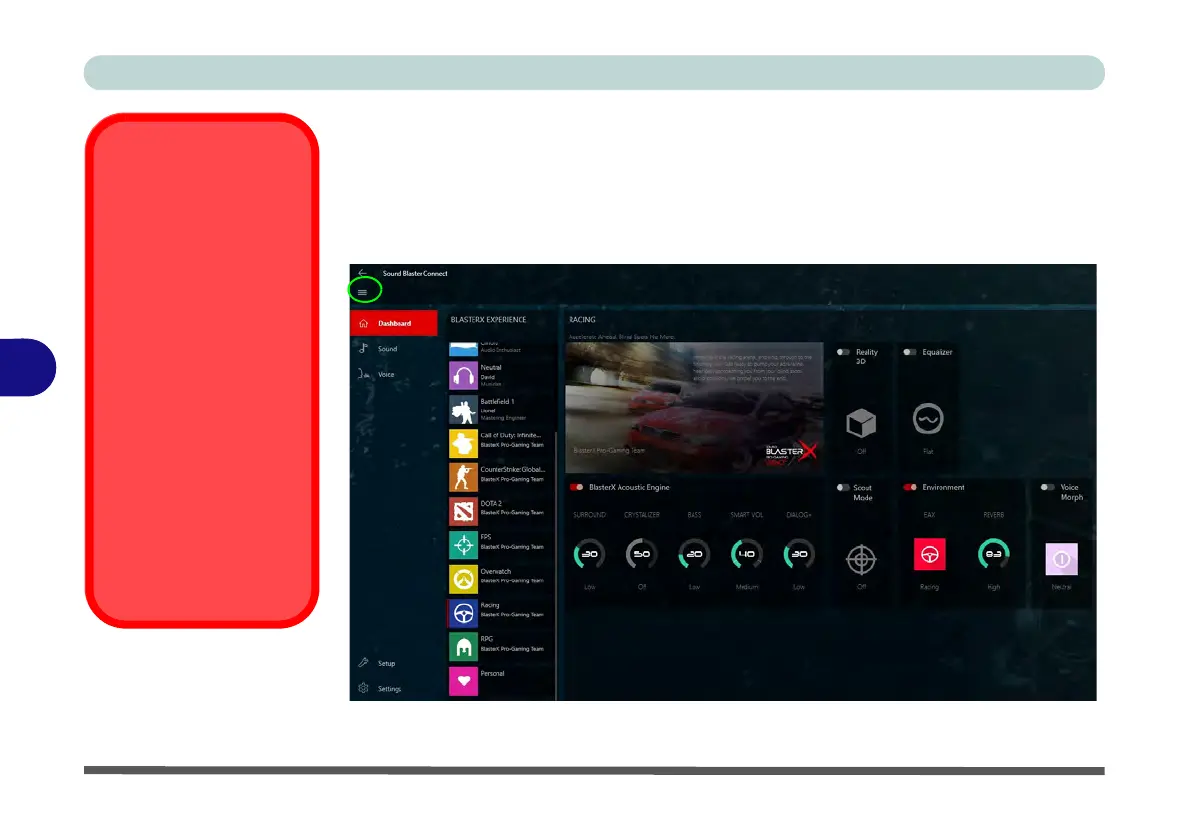
Sound Blaster Connect
The Sound Blaster Connect BLASTER X EXPERIEINCE home Dashboard con-
tains a number of preset audio configurations for your use, or use the Personal set-
ting to configure the settings to your own preference (any changes made to existing
settings will automatically be assigned to Personal).
Setup for External
Speakers/Headphones
If you find the sound is
not balanced when con-
necting to external
speakers/headphones
then select a pre-existing
setting under Blaster Ex-
perience e.g Neutral,
and test if the balance
achieved is better.
It is recommended that
you experiment with dif-
ferent settings in order to
achieve the best result,
and you can adjust any
of the settings and these
will be assigned to Per-
sonal.
Figure 6 - 28
Sound Blaster
Connect
(Dashboard)



 To Next Page