Control Center & Flexikey®
B - 32 Keyboard Settings - Express Text
B
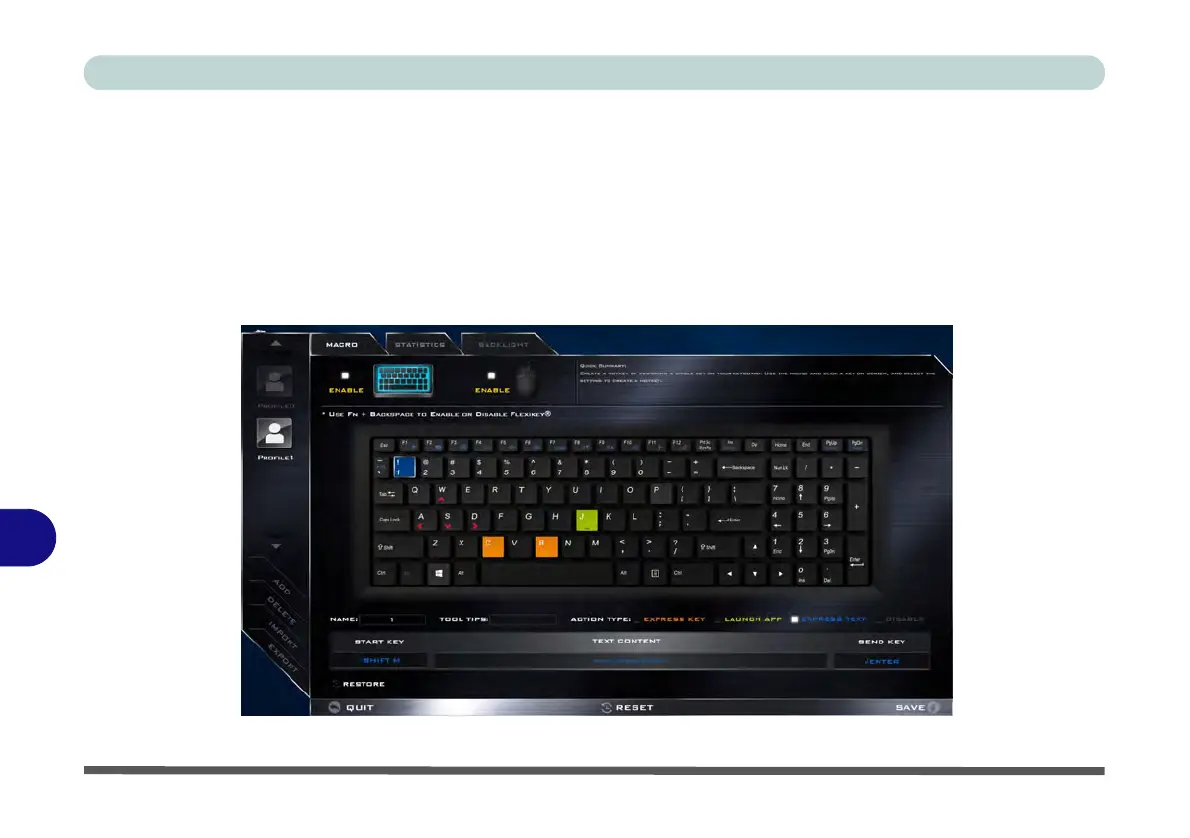
Keyboard Settings - Express Text
A single key can be set to send a string of text within any application using Express Text.
1.
Enable
and select the keyboard under your chosen profile,
click to select a key,
and then click to select
Express
Text
in
Action Type
.
2. Click in Start key if required (the Start key is the key used to in your target program to open a text message), or
you can leave it blank if you prefer.
3. Click in the Click to type field and type in your message.
Figure B - 26 - Keyboard - Express Text



 To Next Page