Storage Devices, Mouse, & Audio
2 - 10 Mouse & Touchpad Devices
2
Mouse & Touchpad Devices
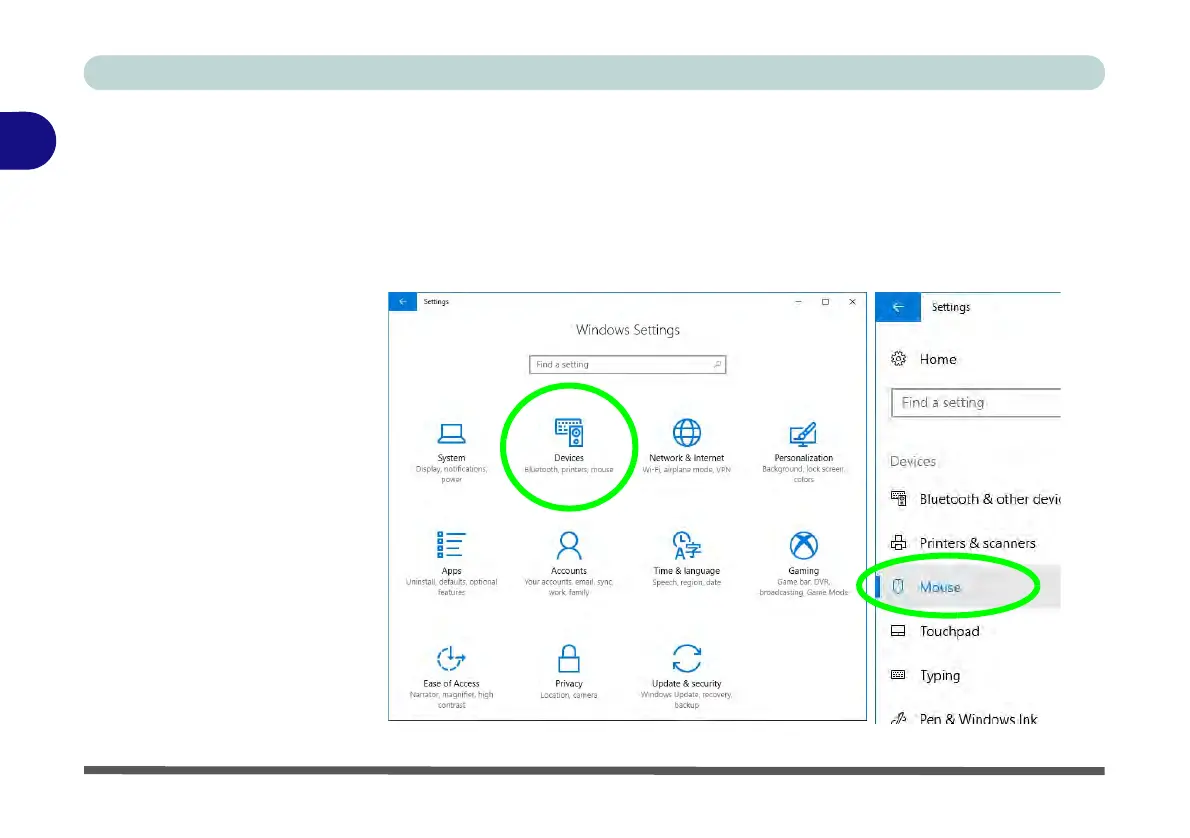
You can configure the functions from the Mouse or Touchpad control panels in De-
vices in the Settings control panel as follows.
1. Click the
Settings
item in the
Start Menu
(or
All Settings
in the Action Center).
2. Click Devices.
3. Click Mouse or Touchpad.
Figure 2 - 7
Windows Settings
> Mouse/Touchpad



 To Next Page