Modules
Sound Blaster Audio 6 - 47
6
Sound Blaster Audio
Install the Sound Blaster AP to allow you to configure the audio settings to your
requirements for the best performance in games, music and movies.
Sound Blaster Audio AP Installation
1. Insert the Device Drivers & Utilities + User’s Manual disc an attached
DVD drive.
2. Click Option Drivers (button).
3. Click
5.Install Sound Blaster AP
> Yes
.
4. Select the installation language and click OK.
5. Click the button and Next to accept the license agreement terms.
6. Click Next.
7. Select Full Installation and click Next > Next.
8. Click Install.
9. Click Finish to restart the computer.
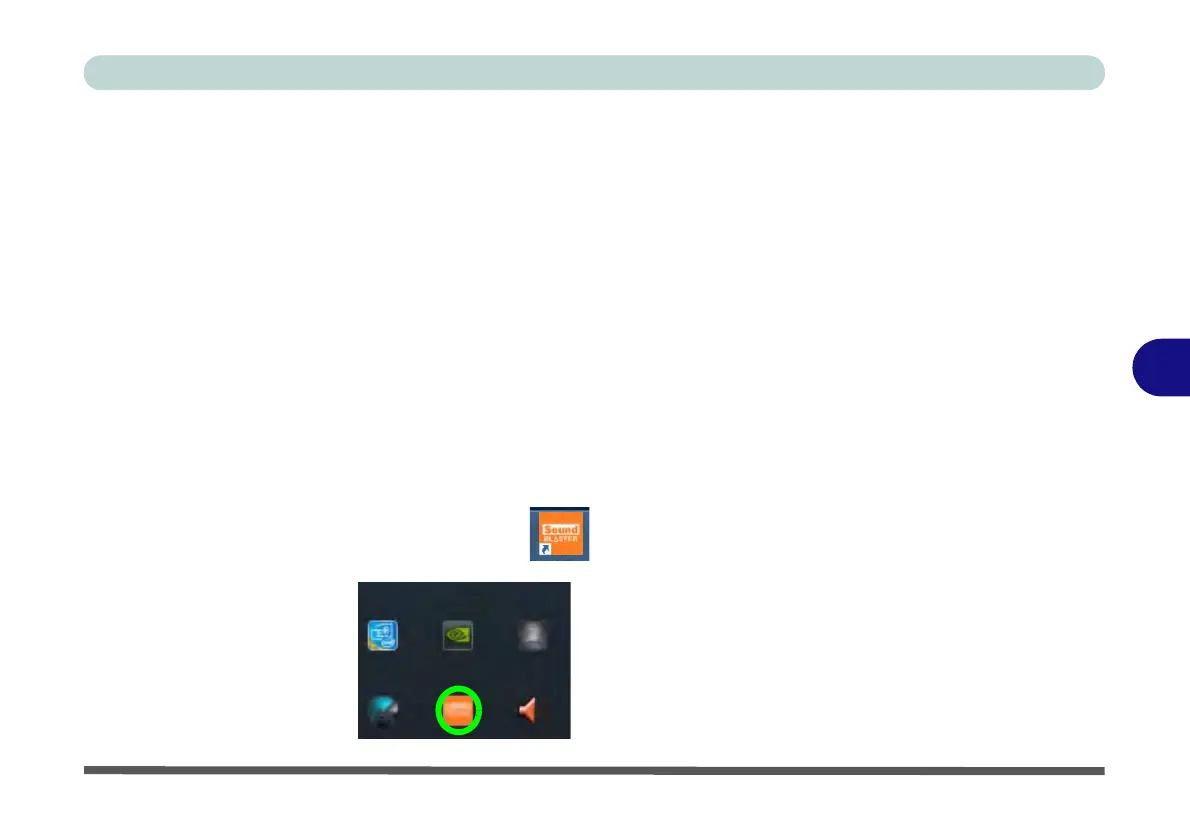
Run the Sound Blaster Connect 2 control panel from the notification area of
the taskbar (or from the item in the Start menu).
Figure 6 - 27
Sound Blaster
Connect
(Taskbar
Notification Area
Icon)



 To Next Page