Modules
6 - 58 Intel® Rapid Storage Technology
6
Intel® Rapid Storage Technology for RAID Systems
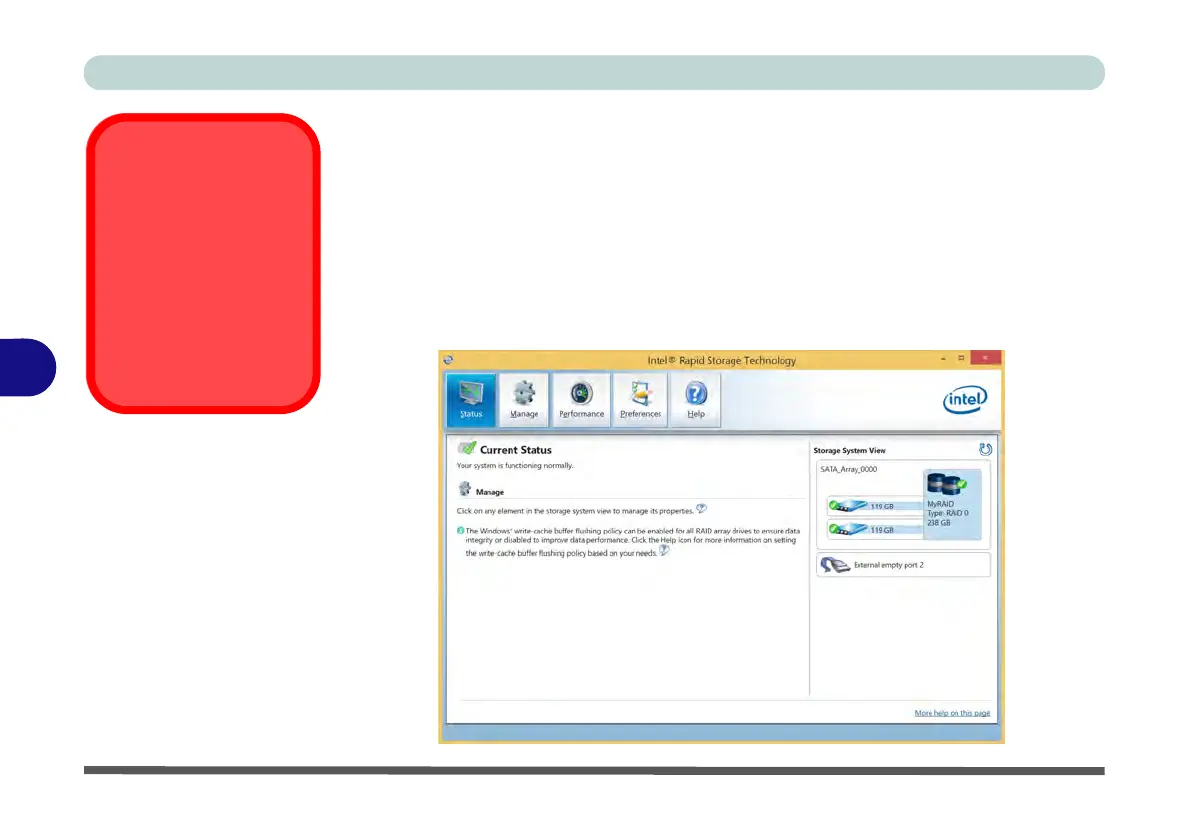
Intel® Rapid Storage Technology application displays status information on your
RAID configuration. Run the Intel® Rapid Storage Technology application from
the item in the Start menu.
When the Intel® Rapid Storage Technology application is launched the system
will open the Status window. Here you can view the general health of the storage
system. Various volume creation and management options are available depending
on the system’s status.
IRST and M.2 PCI-e
SSDs
Note that Intel® Rapid
Storage Technology
does not support M.2
SSDs with a PCI-e In-
terface (M.2 SSDs with
a SATA Interface are
supported).
Figure 6 - 37
Intel® Rapid
Storage Technology
Status



 To Next Page