Interface (Ports & Jacks)
A - 2 Interface (Ports & Jacks)
A
Ports and Jacks
Item Description
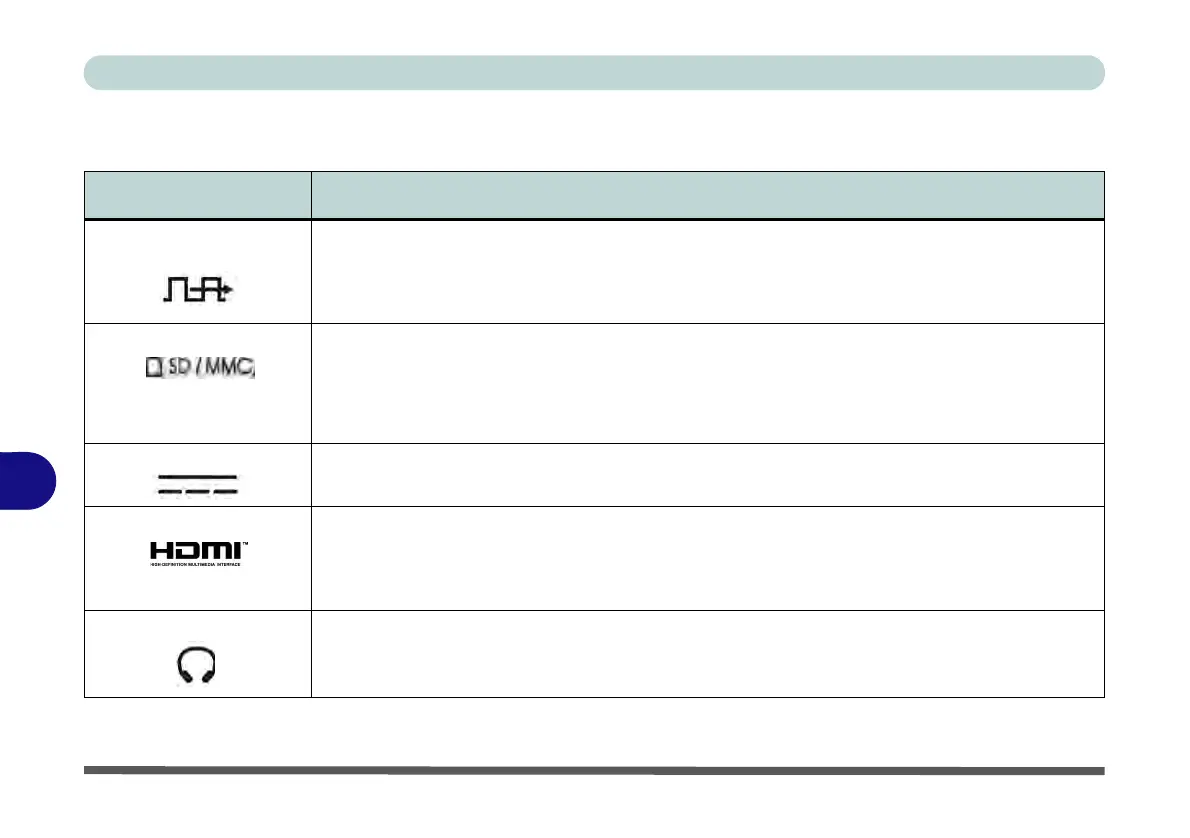
2-in-1 Audio Jack (Line-
Out & S/PDIF-Out Jack)
The Line-Out jack allows you to play audio sources through external speakers. In addition this
jack also functions as a S/PDIF (Sony/Philips Digital Interface Format) Out port allowing you to
connect your DVD-capable PC to a Dolby AC-3 compatible receiver for “5.1” or ‘dts’ surround
sound.
Card Reader The card reader allows you to use the following digital storage cards:
MMC (MultiMedia Card) / RSMMC
SD (Secure Digital) / Mini SD / SDHC / SDXC up to UHS-II
Push the card into the slot and it will appear as a removable device.
DC-In Jack Plug the supplied AC/DC adapter into this jack to power your computer.
HDMI-Out Port The HDMI-Out (High-Definition Multimedia Interface) port is an audio/video connector
interface for transmitting uncompressed digital streams. This allows you to connect an external
monitor, TV or Flat Panel Display etc. as a display device by means of a HDMI cable. Note that
HDMI carries both audio and video signals.
Headphone-Out Jack Headphones or speakers may be connected through this jack. Note: Set your system’s volume
to a reduced level before connecting to this jack.



 To Next Page