BIOS Utilities
5 - 14 Advanced Menu
5
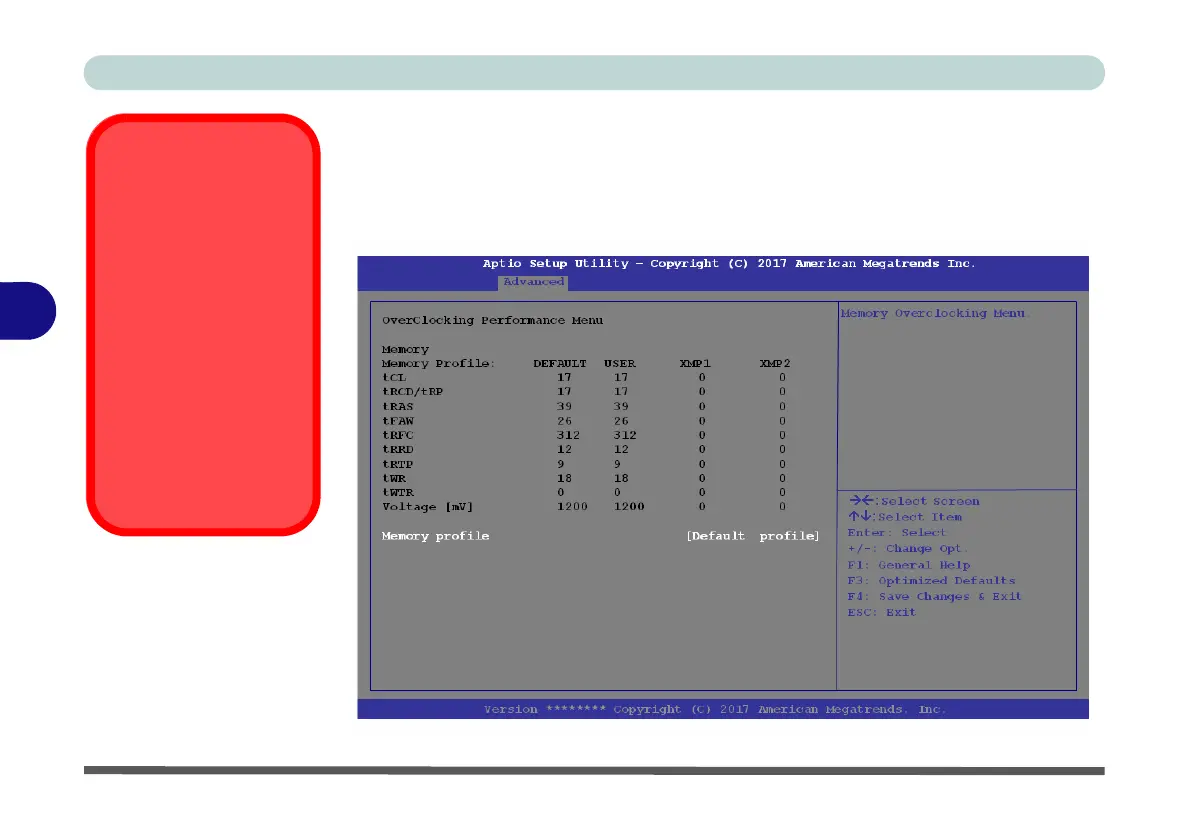
Overclocking Performance Menu (Advanced Menu)
This menu allows you to adjust settings for memory performance. Note that this may
cause system errors or damage.
Note that CPU overclocking can be configured in the Control Center (see “CPU /
Memory Overclocking Support” on page B - 12).
Overclocking Issues
If you get any errors due
to changing overclocking
settings, e.g. a black
screen, to reset the
computer press and
hold the Fn + D key
combination (for the
CPU reset or Fn + G for
the GPU reset) and the
power button.
This will change the
overclocking settings
back to the defaults.
Figure 5 - 6
Overclocking
Performance Menu



 To Next Page