Interface (Ports & Jacks)
A - 4 Interface (Ports & Jacks)
A
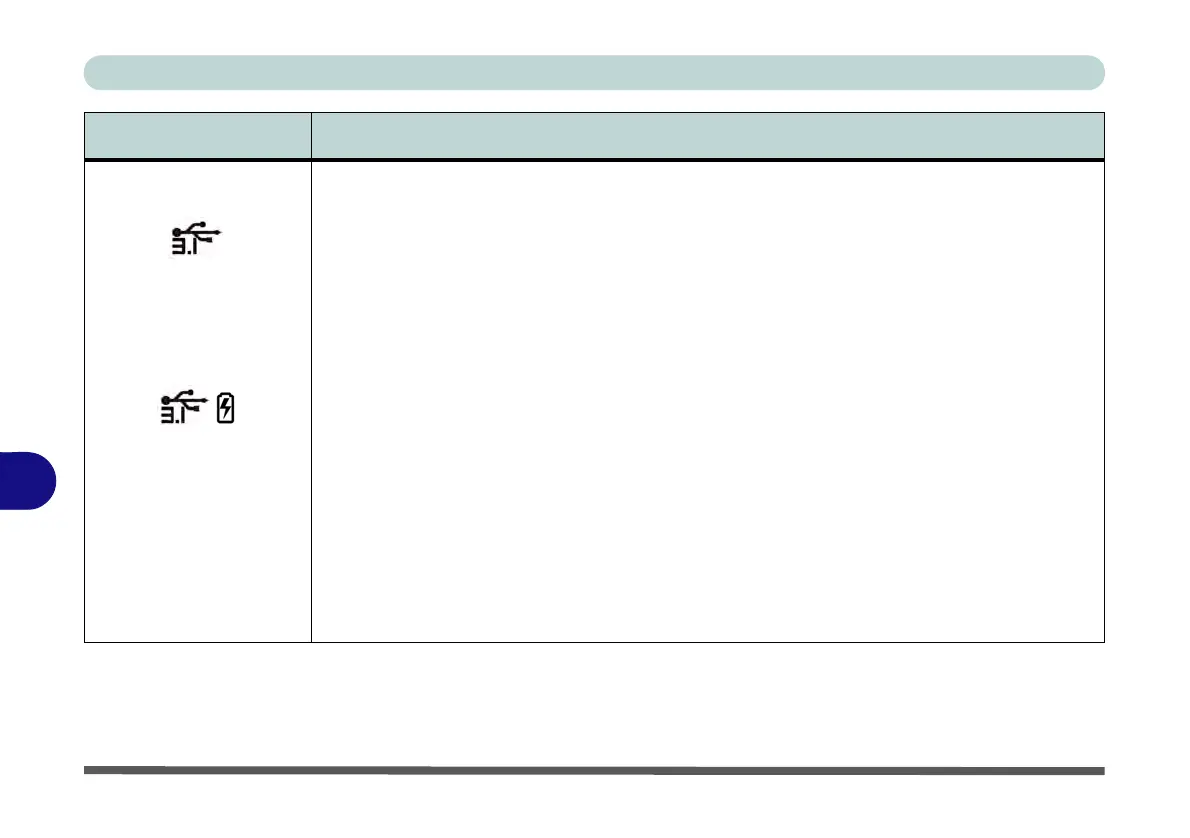
USB 3.0 (USB 3.1 Gen 1
Type A) Port
USB 3.1 (USB 3.1 Gen 2
Type C) Port (Factory
Option)
Powered USB 3.0 (USB
3.1 Gen 1 Type A) Port
These USB ports are for low-speed peripherals such as keyboards, mice or scanners, and for
high-speed peripherals such as external HDDs, digital video cameras or high-speed scanners
etc. Devices can be plugged into the computer, and unplugged from the computer, without the
need to turn the system off (if the power rating of your USB device is 500mA or above, make sure
you use the power supply which comes with the device).
The USB 3.0 ports capable of 5Gbps (SuperSpeed) are classified as USB 3.1 Gen 1. There are
four USB 3.1 Gen 1 (Type A) ports on this computer model.
In addition there is a factory option to have either a new USB 3.1 Gen 1 ports(Type C) port (Type
C ports are the smaller sized USB port). Alternatively this port can be configured as a
combination Thunderbolt™ 3 Port/USB 3.1 Gen 2, Type C Port (see over).
Note: The powered USB 3.0 port may be toggled on /off by means of the Fn + Power Button key
combination. When the powered USB port is on it will supply power (for charging devices only,
not for operating devices) when the system is off but still powered by the AC/DC adapter plugged
into a working outlet, or powered by the battery with a capacity level above 20% (this may not work
with certain devices - see page 7 - 11).
Note: This function is designed to help charge USB compliant devices, but is not designed to
allow their operation.
Note: The maximum amount of current supplied by USB Type-C ports is 500 mA for USB2.0/900
mA for USB 3.1
Item Description



 To Next Page