BIOS Utilities
5 - 16 Advanced Menu
5
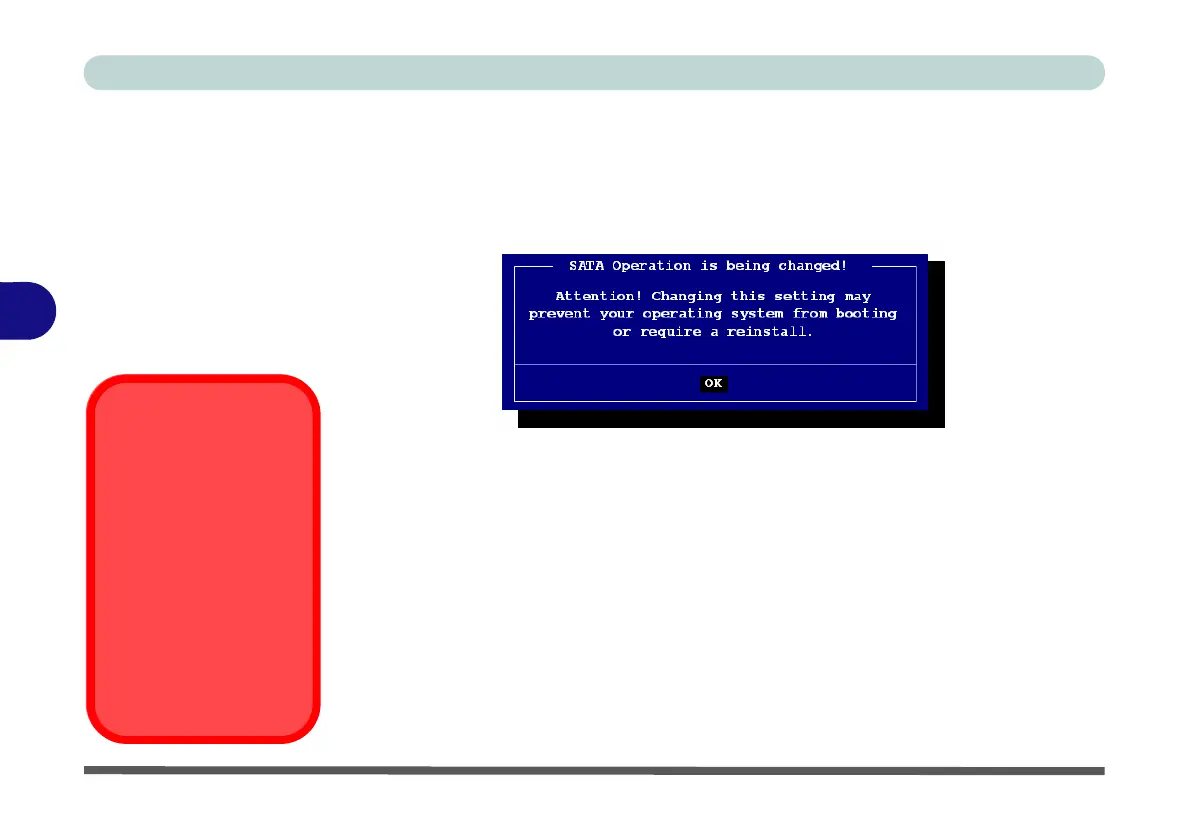
If you wish to change your SATA mode to/from AHCI/RAID mode you will receive
a message (see overleaf) to notify you that doing so may prevent your operating sys-
tem from booting, and may require a reinstall of the OS. If you do wish to change
the SATA mode then backup any necessary data on your hard disk(s) as you will
need wipe the disks clean in order to prevent system problems.
Boot Logo (Advanced Menu)
Use this menu item to enable/disable the Boot Logo screen at system startup if you
have not enabled UEFI Boot. If you disable the Boot Logo you will not see the F2
Enter Setup or F7 Boot Options prompts on the screen, however you can still press
these keys, while the boot screen is displayed, to perform the Enter Setup or Boot
Option functions.
Power On Boot Beep (Advanced Menu)
Use this menu item to enable/disable the beep as the computer starts up.
Battery Low Alarm Beep (Advanced Menu)
Use this menu item to enable/disable the battery low alarm beep.
Figure 5 - 7
SATA Mode Change
Notification
SATA Mode
Selection
If you have installed the
Windows OS with ei-
ther AHCI or RAID
mode enabled, DO NOT
disable the set mode (if
you wish to disable the
set mode you will need
to reinstall the Windows
OS).



 To Next Page