Video Driver Controls
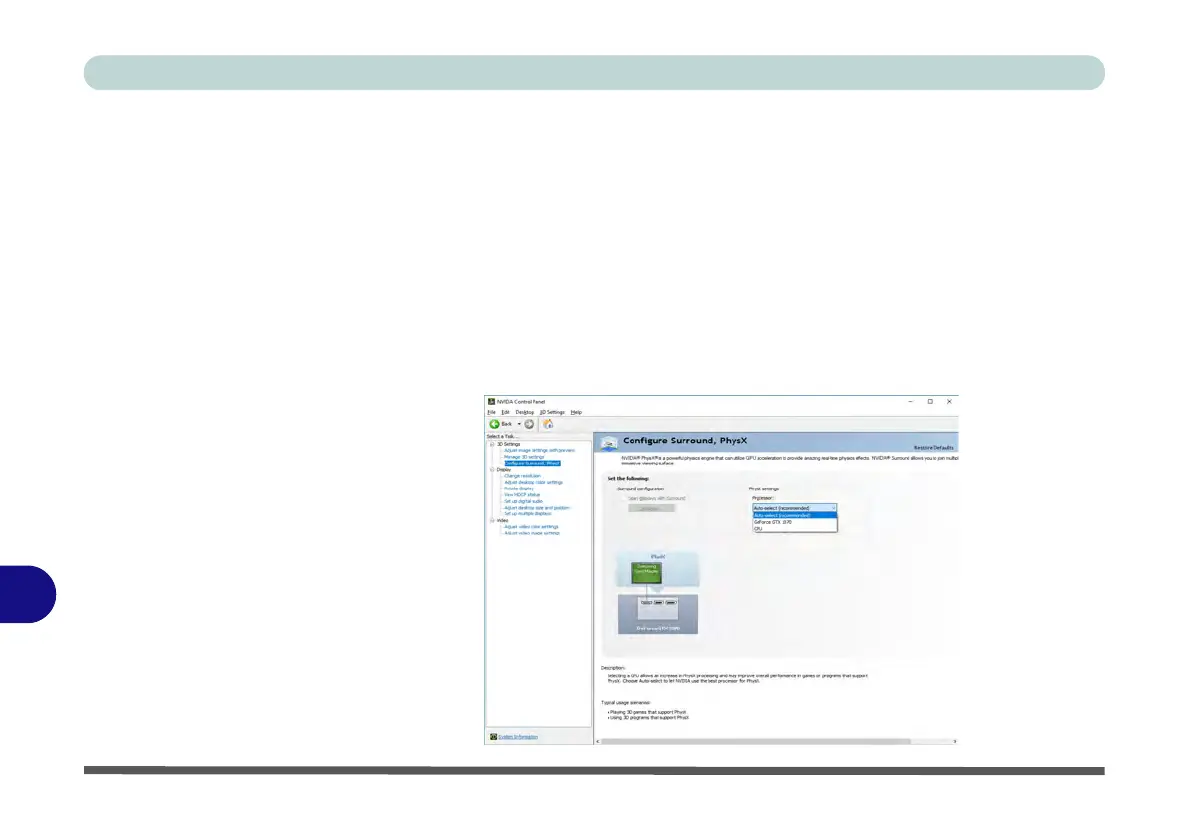
C - 34 Configure Surround, PhysX®
C
Configure Surround, PhysX®
NVIDIA
® PhysX® is a physics engine that can use the GPU to accelerate game and
3D application performance. You can select the GeForce video card or CPU as a
PhysX
® processor, or configure the computer to auto-select a PhysX® processor
(recommended default setting).
1. Go to the NVIDIA Control Panel
.
2. Click Configure Surround, PhysX.
3. Click to select a processor
from the menu (
PhysX Settings
);
Auto-select
(recommended) is the default setting.
4. Click
Apply
to save the settings.
Figure C - 22
Configure
Surround, PhysX



 To Next Page