Power Management
3 - 24 Battery Information
3
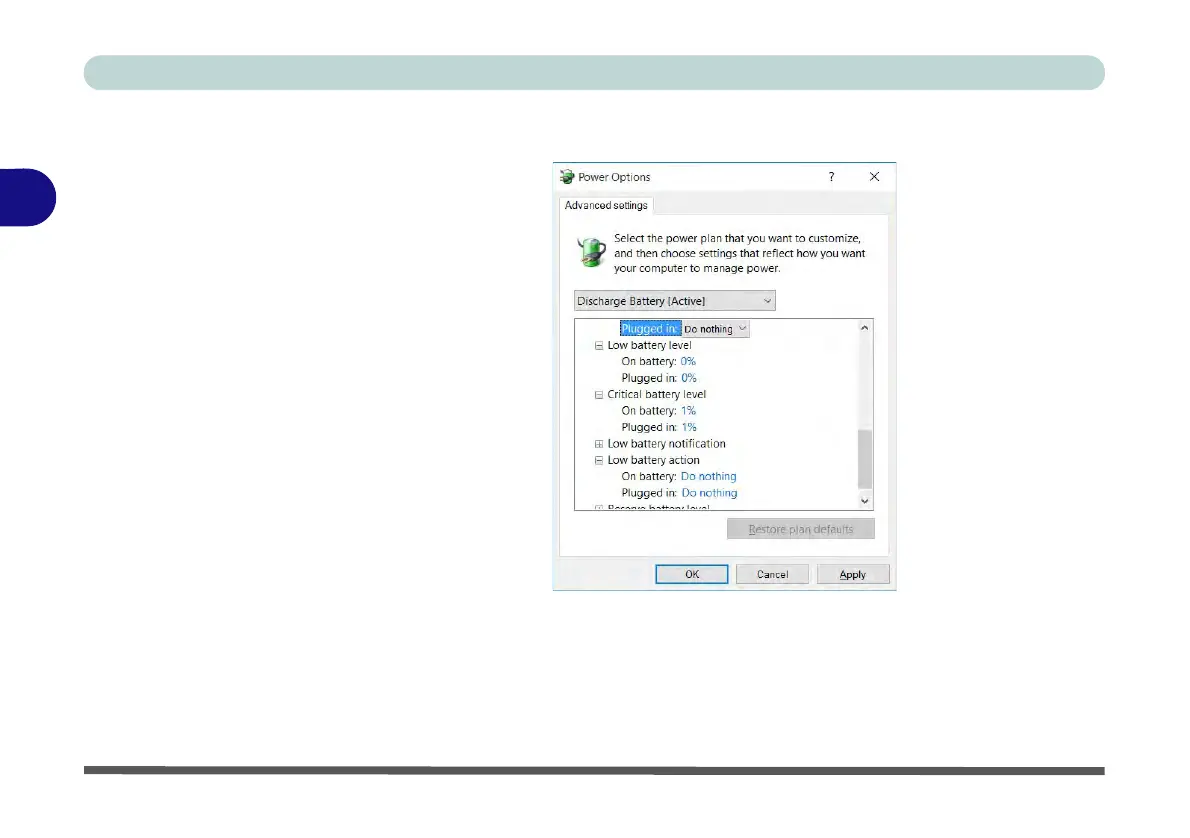
4. Scroll down to Battery and click + to expand the battery options.
5. Choose the options below (click Yes if a warning appears):
• Low battery levels = 0%
• Critical battery Levels = 1%
• Low battery action = Do Nothing
• Critical battery action (On battery) = Shut Down
• Critical battery action (Plugged in) = Do Nothing
Figure 3 - 16
Power Options
Advanced Settings -
Battery



 To Next Page