Modules
6 - 18 Setting Up SATA RAID, Optane™ or AHCI Mode
6
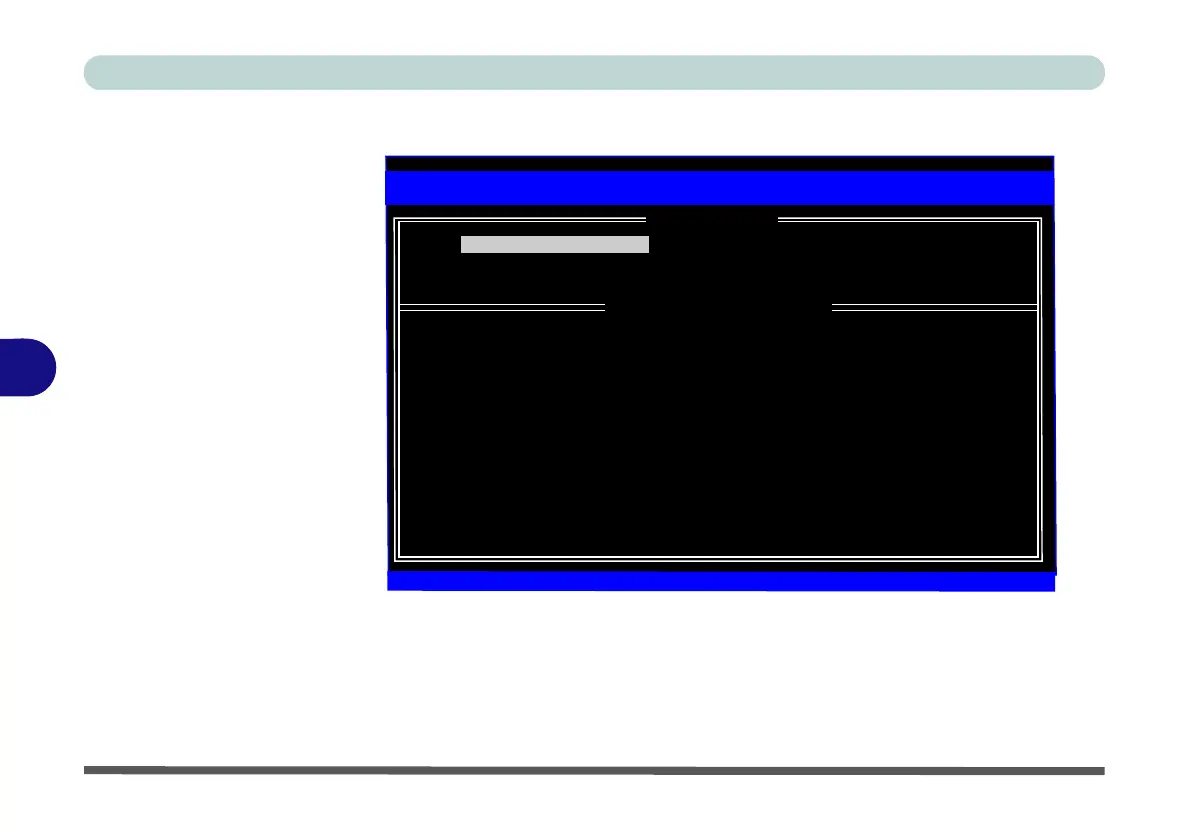
8. Select 1.Create RAID Volume and press Enter.
9. Type the RAID volume name and then press Tab or Enter to advance to the next
field.
10. Specify (use the up and down arrow keys) the RAID level (RAID 0 (Stripe) or
RAID 1 (Mirror) and then press Tab or Enter to advance to the next field.
11. Press Enter and the system will select the physical disks to us if applicable.
12. Press Enter and select (if applicable) the Strip Size (best set to 128KB).
RAID Volumes:
None defined.
Physical Devices:
ID Drive Model Serial # Size Type/Status(Vol ID)
0 SAMSUNG HM160HI S10UJDRZ705758 149.0GB Non-RAID Disk
1 SAMSUNG HM160HI S10UJDRZ705200 149.0GB Non-RAID Disk
Intel(R) Rapid Storage Technology - Option ROM - ************
Copyright (C) Intel Corporation. All rights reserved.
[
] -Select [ESC]-Exit [ENTER]-Select Menu
1. Create RAID Volume 4. Recovery Volume Options
2. Delete RAID Volume 5. Acceleration Options
3. Reset Disks to Non-RAID 6. Exit
[ MAIN MENU ]]
[ DISK/VOLUME INFORMATION ]
Figure 6 - 9
Intel(R) Rapid
Storage Technology
Option ROM



 To Next Page