Modules
6 - 28 Setting Up SATA RAID, Optane™ or AHCI Mode
6
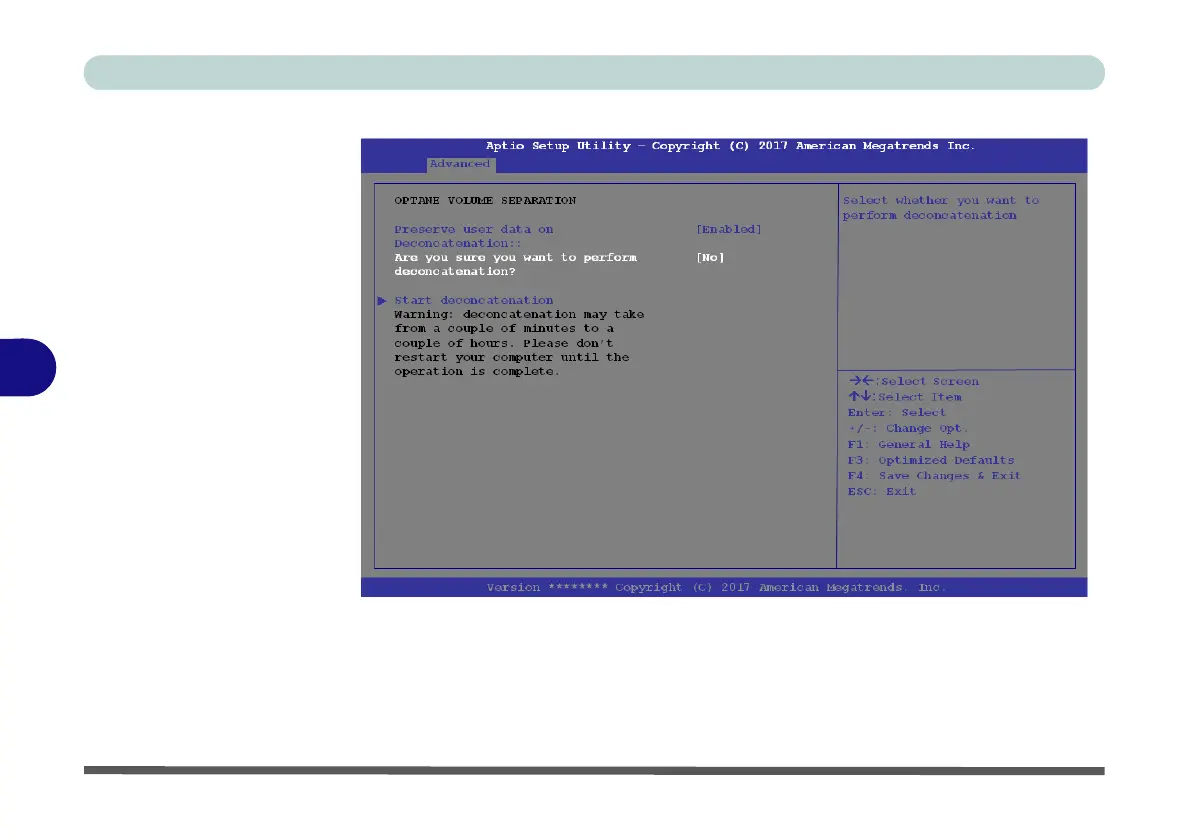
7. Select “Start deconcatentation” and press <Enter>.
8. The system will return to the standard Intel(R) Rapid Storage Technology menu
when complete (see Figure 6 - 13 on page 6 - 23).
9. You should then select the appropriate SATA Mode for your system and reinstall
the OS.
Figure 6 - 17
Intel(R) Rapid
Storage Technology
(Start
Deconcatentation)



 To Next Page