Modules
6 - 68 Intel® Rapid Storage Technology
6
4. Restart the computer to complete the process.
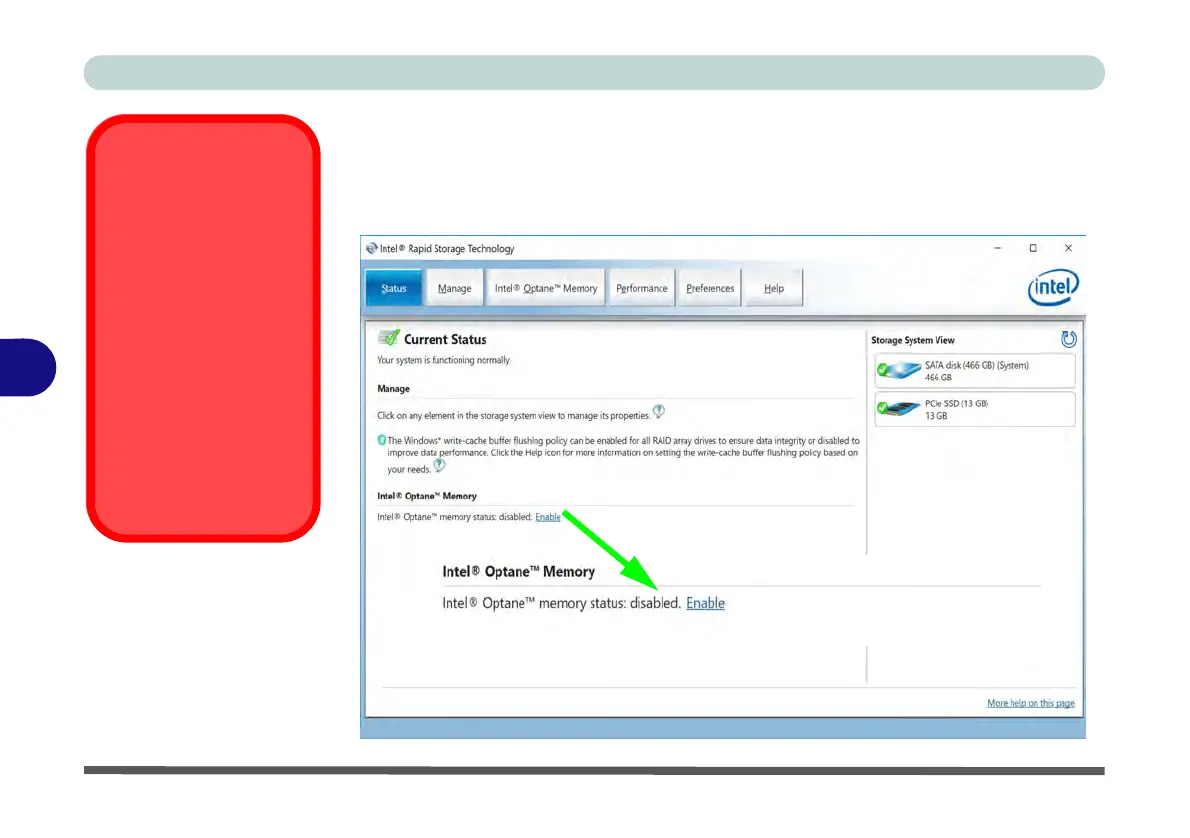
5. Run the Intel® Rapid Storage Technology application.
6. The Status of Intel® Optane™ Memory is indicated in the Window.
7. To enable Intel® Optane™ Memory follow the process indicated in “Enabling
Intel® Optane™” on page 6 - 64.
HDDs & Intel®
Optane™ SSDs
Note that if your sys-
tem’s HDD or Intel® Op-
tane™ SSD is to be
transferred to another
system for use for any
reason, you will need to
disable Intel® Optane™
in IRST first.
Removal of any cover(s)
and /or screw(s) violates
the terms of your war-
ranty.
Figure 6 - 48
IRST - Intel®
Optane
™ Memory
(Status)



 To Next Page