Control Center & Flexikey®
B - 20 GPU Overclocking
B
4. When the computer and Android compatible device are connected, go to the Control Center > Device and click
on the FlexiAccess icon to run the app on the computer, and then run the app on the Android compatible
device.
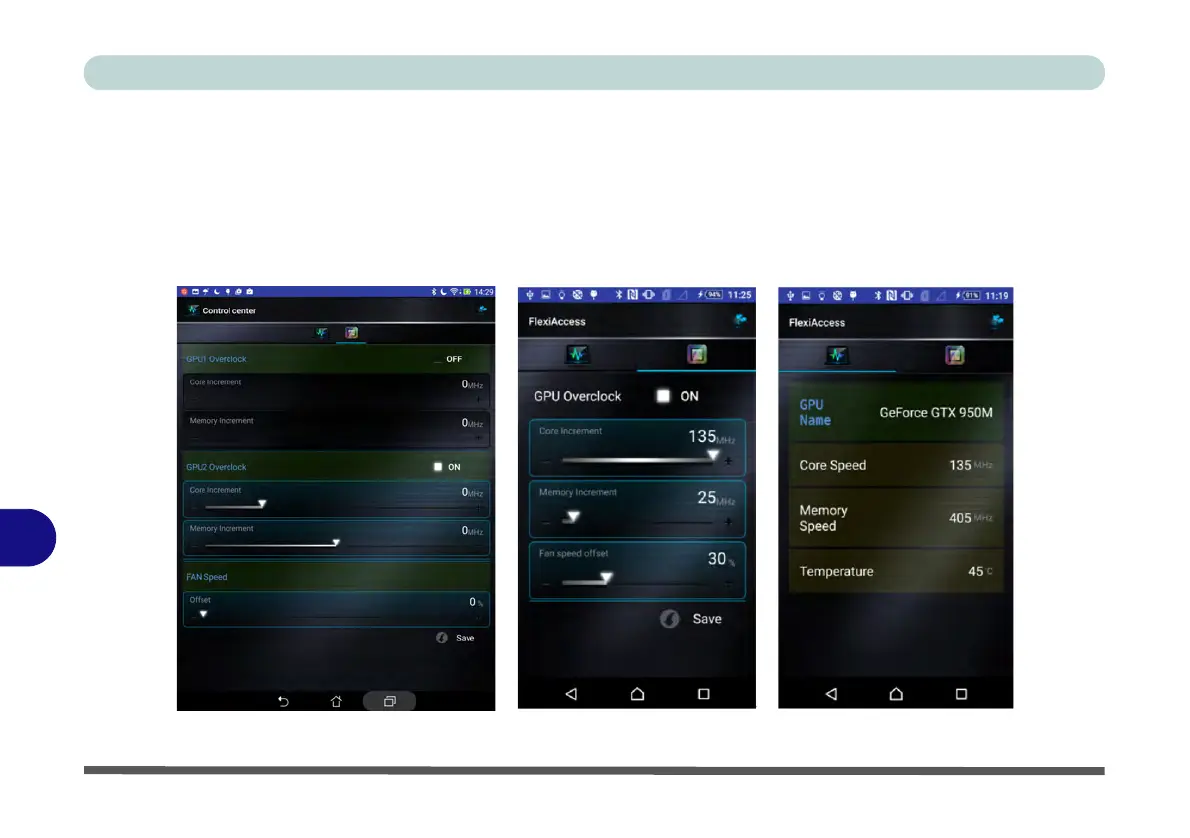
5. When playing any game or high-end graphic application you can control the GPU overclocking settings using
the App on the Android compatible device.
6. You can then adjust the settings for the game or high-end graphic application in use “on the fly”, without having
to quit or pause the program.
Figure B - 13 - FlexiAccess App



 To Next Page