Video Driver Controls
Display Devices - NVIDIA CP C - 27
C
See “Display Devices & Options” on page C - 15.
If you want to use the Thunderbolt Port for connecting display devices then set the
DDI Control to DDI to TBT in the BIOS (you can also set the security level to sup-
port display devices only - see “Security Level (Advanced Menu > Intel(R) Thun-
derbolt)” on page 5 - 13). When the Thunderbolt Port is set for display then Mini
DisplayPort 1 ( in Figure 1 - 13 on page 1 - 22) will be turned off .
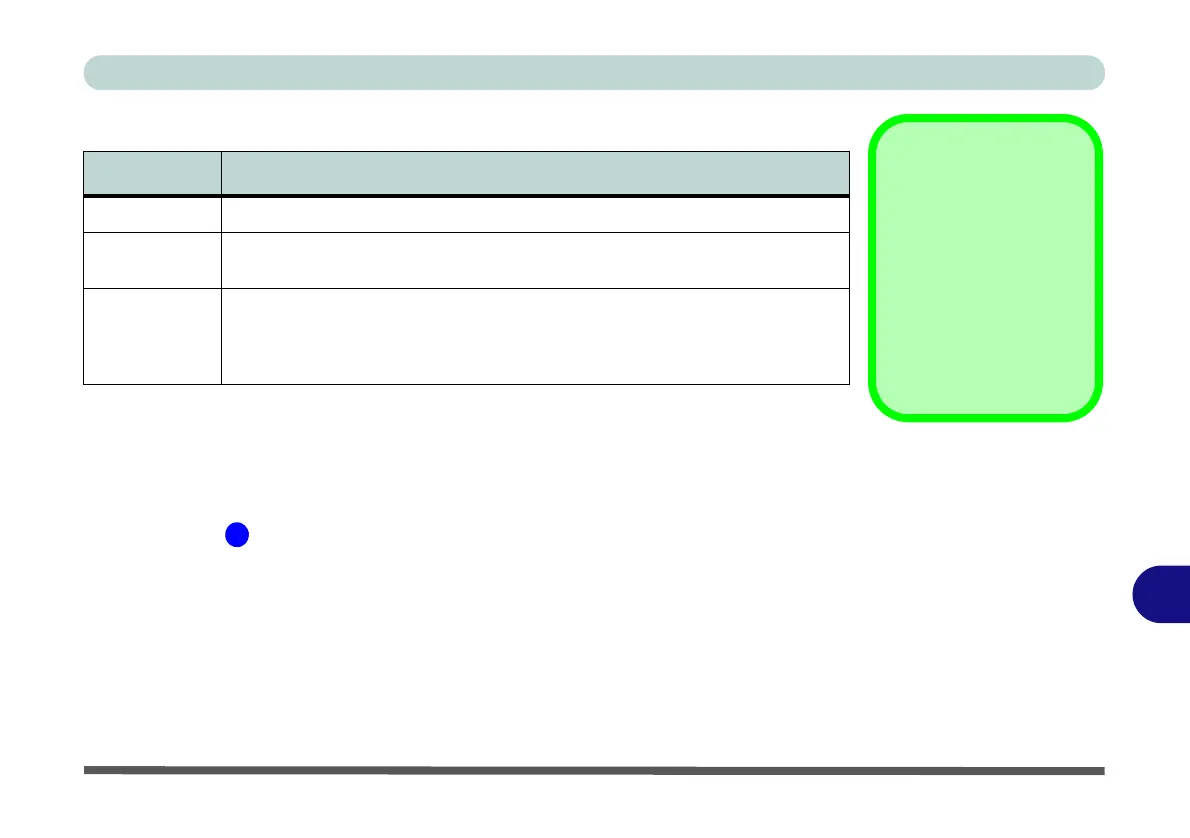
Display Mode Description
Single One of the connected displays is used as the display device
Clone
Clone simply shows an exact copy of the Primary display desktop on the other
display(s). This mode will drive multiple displays with the same content
Extend
Extend treats connected displays as separate devices, and they act as a virtual
desktop resulting in a large workspace. When enabled, you can drag any icons or
windows across to the other display desktop. It is therefore possible to have one
program visible in one display, and a different program visible in the other display
Sound Blaster
Audio & HDMI
Connection
Note that Sound Blaster
audio will be disabled
when you are connect-
ing to an external dis-
play through an HDMI
connection.
Table C - 2
Display Modes
NVIDIA


 To Next Page