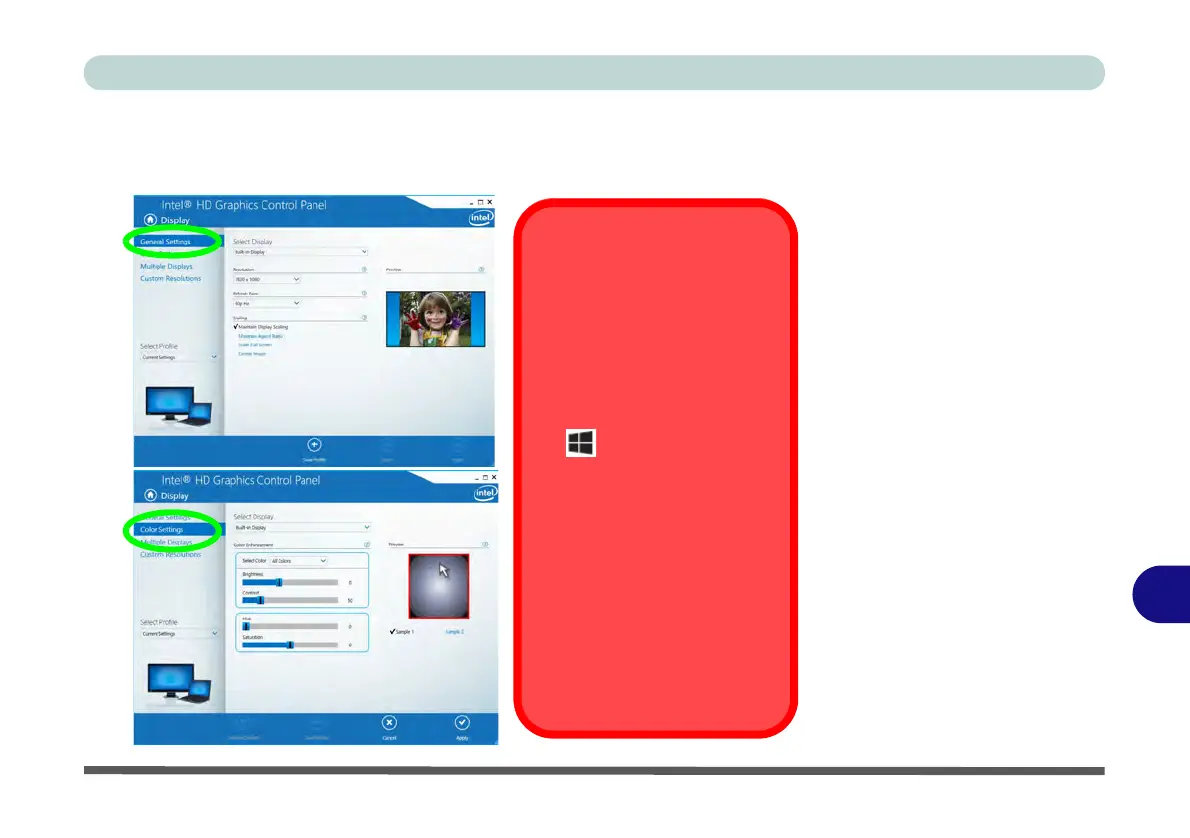
Configuring External
Displays
When a single external dis-
play is attached to the HDMI
or Display Ports, use the Sys-
tem > Display (in Settings -
page C - 8) control panel or
the + P (or Fn + F7 - page
C - 7) key combination, to con-
figure the external display.
When multiple external dis-
plays are attached you should
use the NVIDIA (page C - 28)
control panel to configure the
external displays.
You cannot configure exter-
nal displays using the In-
tel(R) HD Graphics control
panel.



 To Next Page