Video Driver Controls
Intel® HD Graphics Control Panel C - 47
C
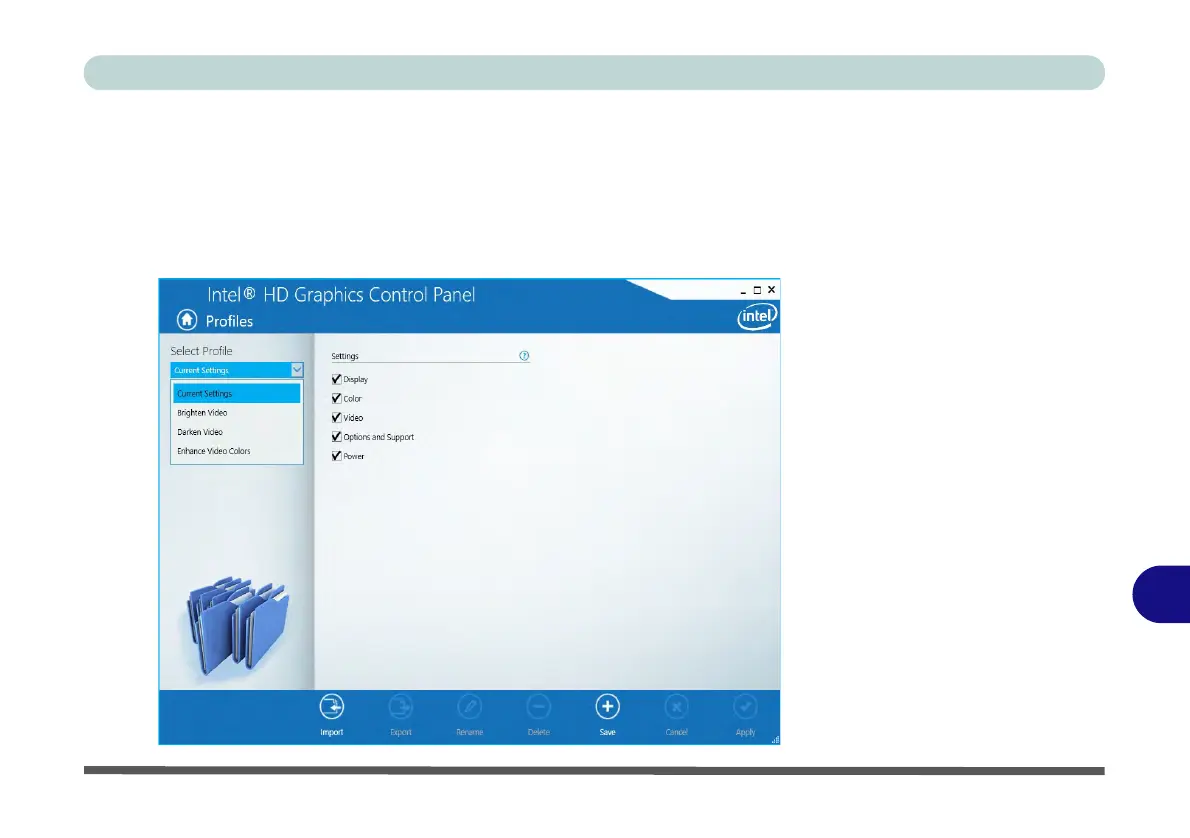
Profiles
You can select one of the preset profiles (Brighten Video, Darken Video and En-
hance Video Colors) from the menu on the left. Alternatively you can go through
the menus to make adjustments to your preferences for Display, Color, Video, Op-
tions and Support and Power (tick any boxes for the settings required), and then
Save the settings to a profile (which may be imported or exported).
Figure C - 36
Intel® HD Graphics
Control Panel -
Profiles



 To Next Page