1 - 40 Power Options
Quick Start Guide
1
Minimum Screen Resolution Settings
1. Windows 10 has minimum screen resolution requirements.
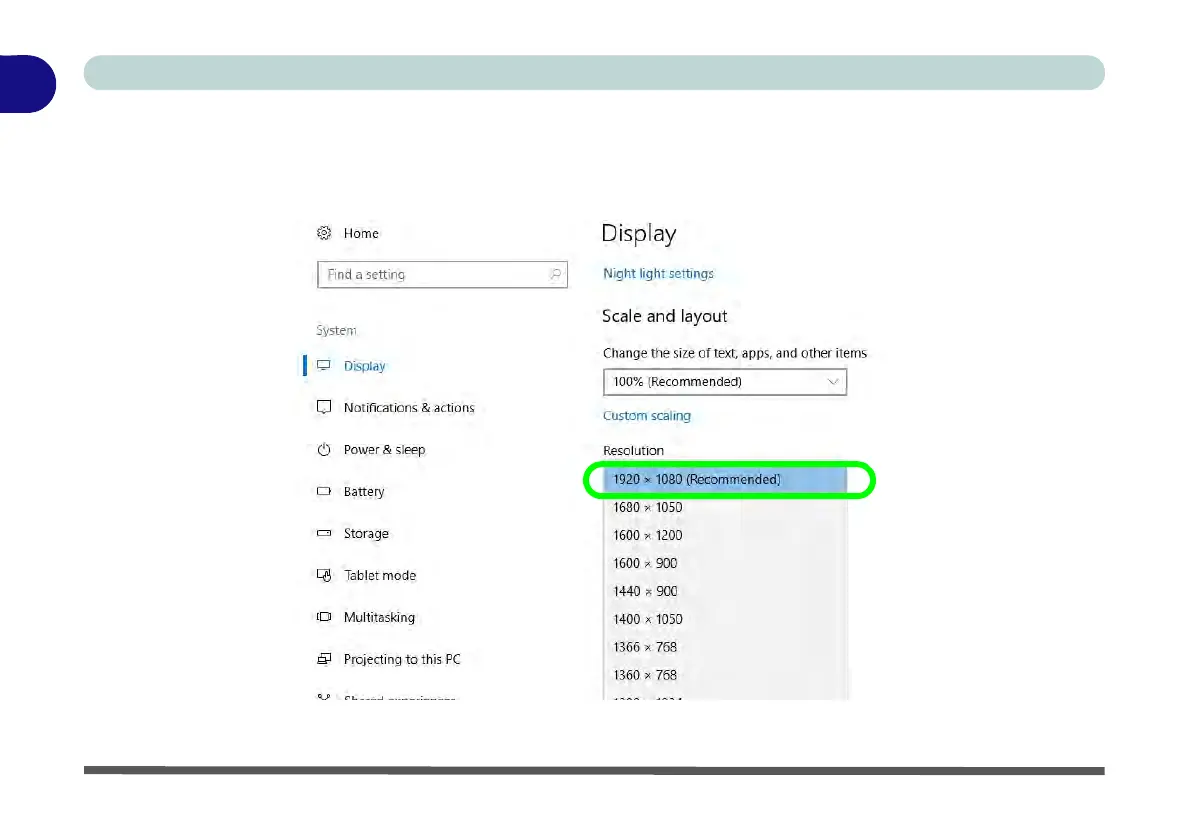
2. Right-click a blank area of the Desktop and select Display Settings.
3. Adjust the Resolution to make sure that it is at least 1024 * 768, although preferably 1366 * 768 or above.
Figure 1 - 29 - Display (Resolution)



 To Next Page