XO FLEX – Instructions for use Operation
15
3.5 XO SMART LINK
XO SMART LINK is an optional software running on an external PC connected to FLEX.
With XO SMART LINK you can configure the function of the foot control and you can work with
instrument programs.
Please see “XO SMART LINK instructions for use”.
3.6 PATIENT CHAIR
FOOT CONTROL OF PATIENT CHAIR
Use the foot control to position the patient chair.
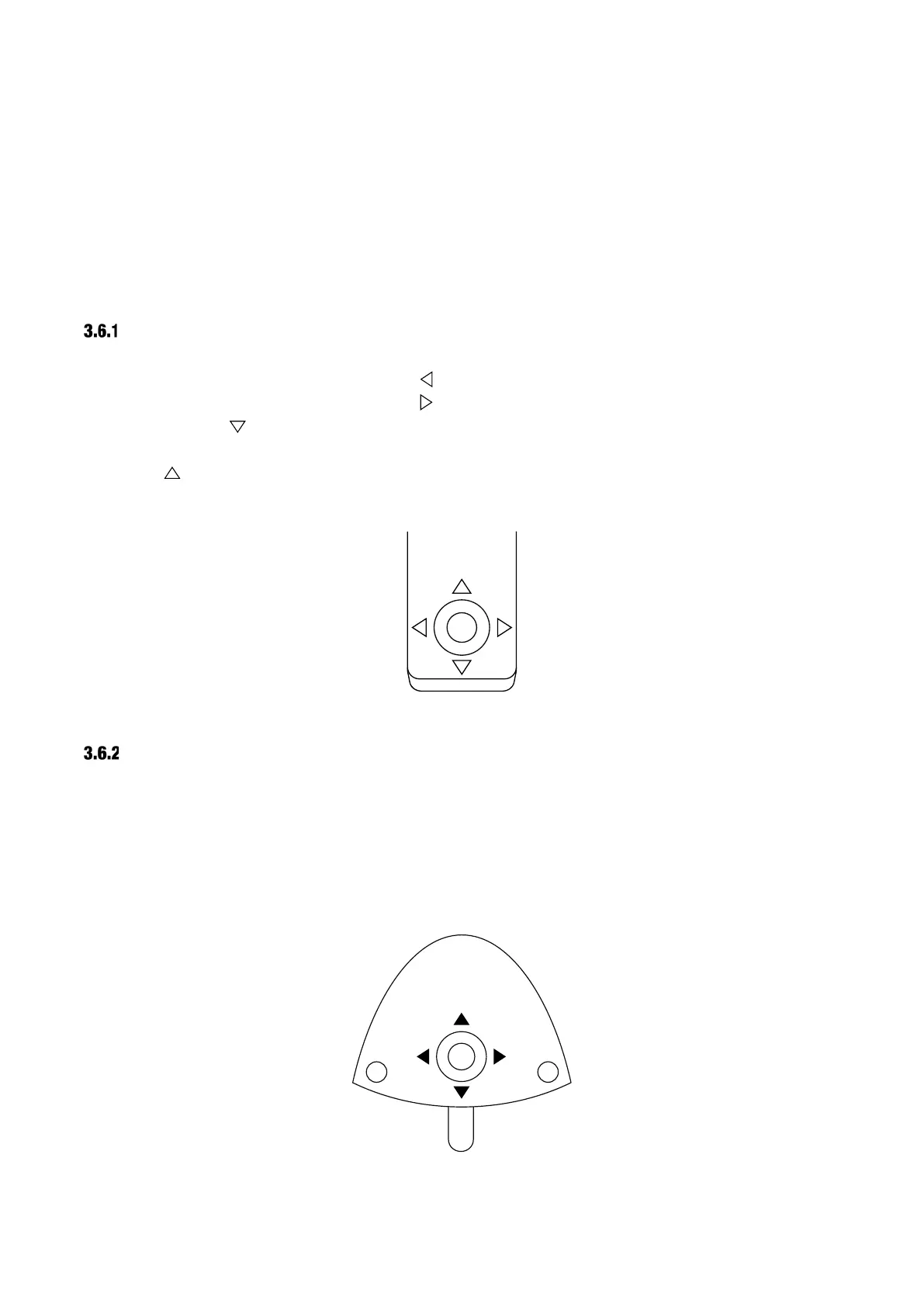
Position the chair in working position 1 with .
Position the chair in working position 2 with .
When you activate the chair moves to the entry position – the position used to enter the chair
and for rinsing.
Activating brings the chair to the previous position – the last “still” position prior to the present.
See Figure 8.
Figure 8 – Position the patient chair using the chair base joystick
SMALLER ADJUSTMENTS OF PATIENT CHAIR
You make smaller adjustments of the chair with the foot control joystick:
• Lift the chair with ▲ (north)
• Lower the chair with ▼ (south)
• Increase the backrest inclination with ►(east)
• Decrease the backrest inclination with ◄ (west)
See Figure 9.
Figure 9 – Smaller adjustments of the patient chair using the foot control joystick


 To Next Page