XO FLEX – Instructions for use Operation
36
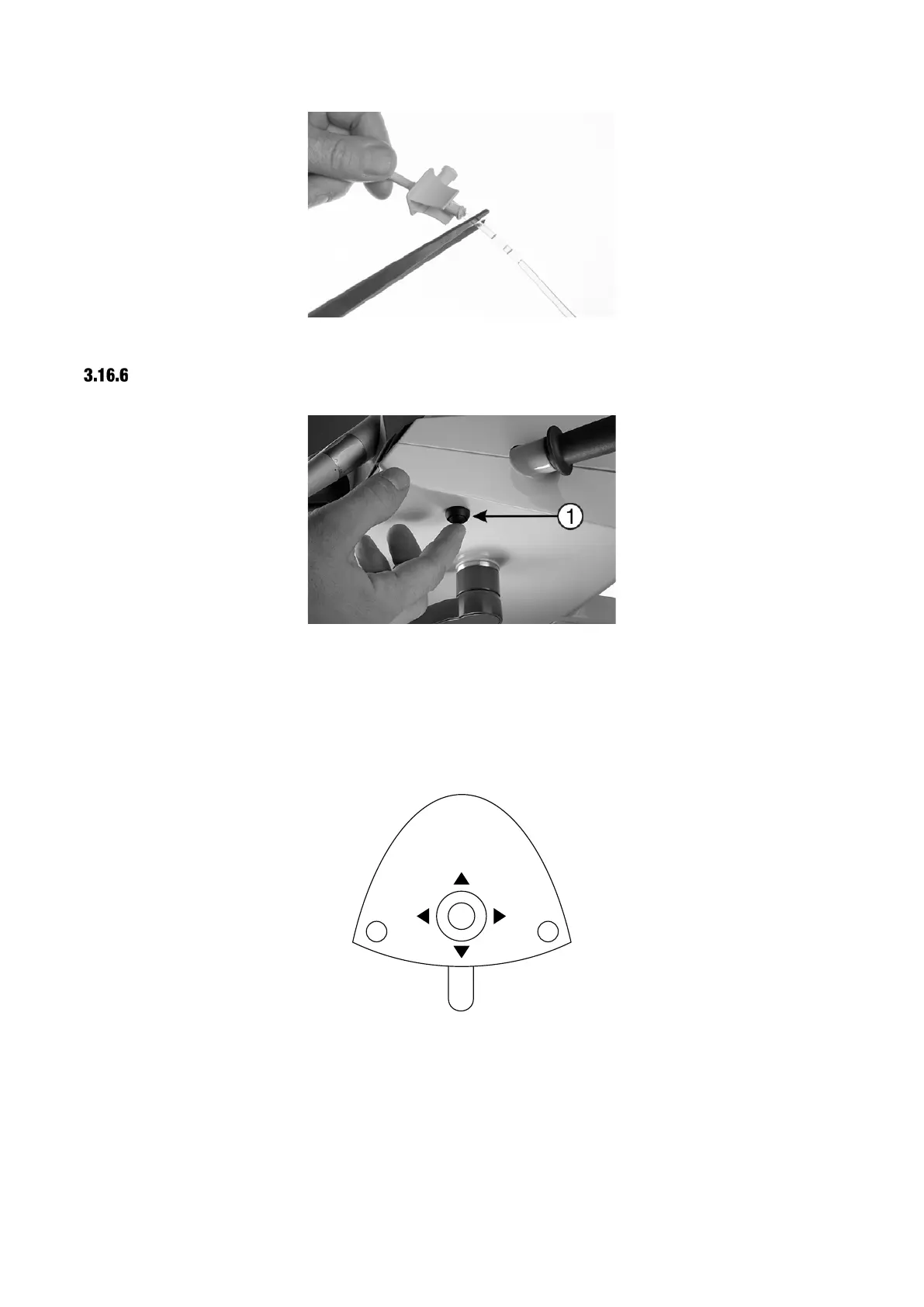
Figure 40 - Cutting the irrigation tubing bag inlet cannula
DESIGNATION OF INSTRUMENT
Figure 41 – Initiating selection of instrument to be used with XO Peristaltic Pump
Before the pump can be used, a designated instrument must be selected.
With all instruments at rest, press the button (1) once – see Figure 41.
The unit enters configuration mode and a menu will be shown on the display.
Activate ▲ and ▼ of the foot control joystick to navigate to the menu item labeled “PUMP”.
Figure 42 – Foot control configuration of peristaltic pump
Activate ► to access configuration of the pump – see Figure 43.


 To Next Page