XO FLEX – Instructions for use Operation
39
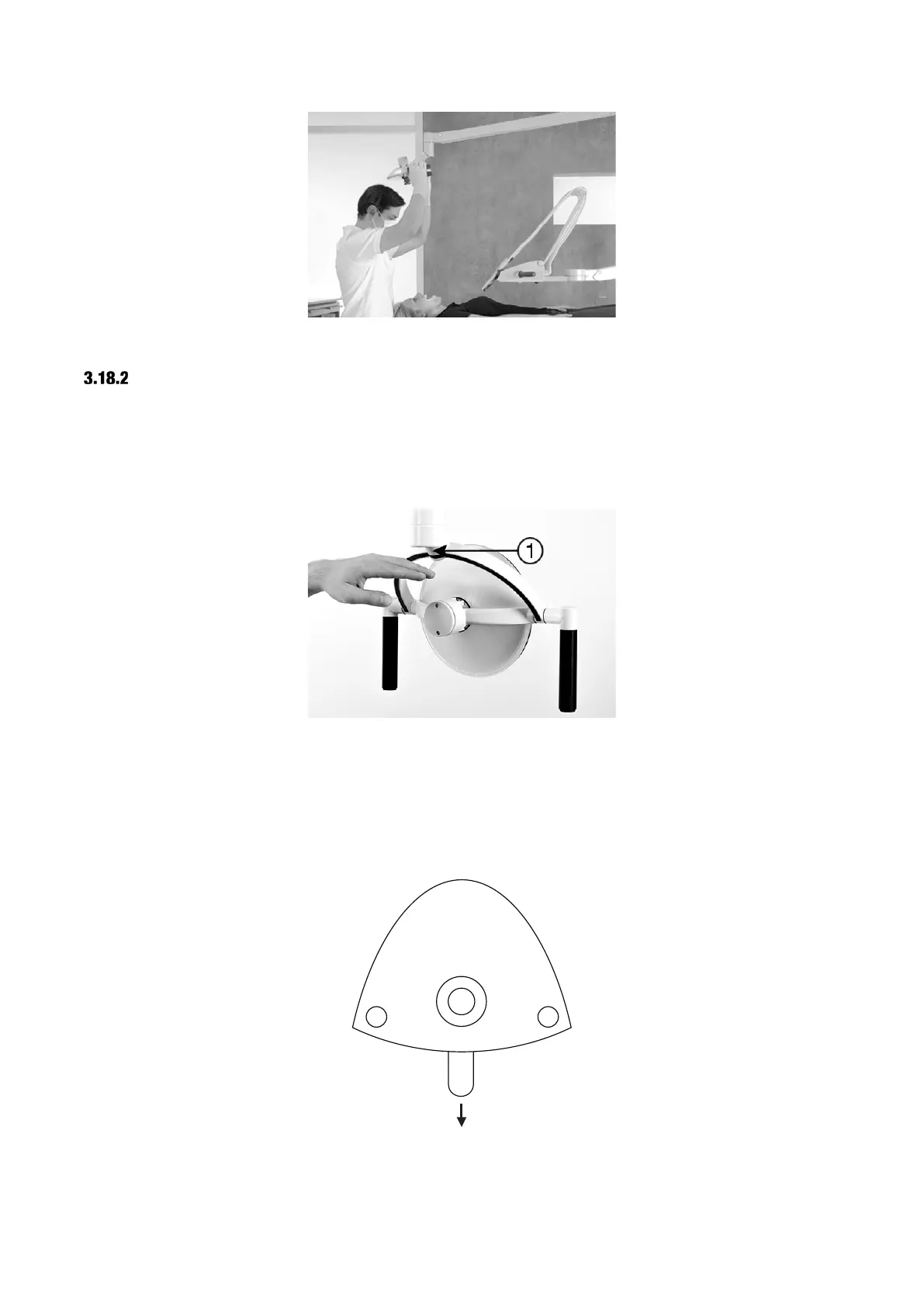
Figure 46 – Correct position of light
SWITCH THE LIGHT ON AND ADJUST THE LIGHT INTENSITY
Manage the light manually by activating the no-touch sensor under the light head – see Figure 47
(1).
Hold your hand within activation distance for less than one second and the lamp switches on/off.
Change the light intensity (3 levels) by activating the sensor for more than one second.
Figure 47 – No-touch sensor
Optionally, you may configure the operating light to be switched on/off using the foot control while
the instruments rest:
• Switch the light on/off with a short activation of ⬇
• You change light intensity by holding ⬇ down
Figure 48 – Optional foot control of light


 To Next Page