XO FLEX – Instructions for use Operation
37
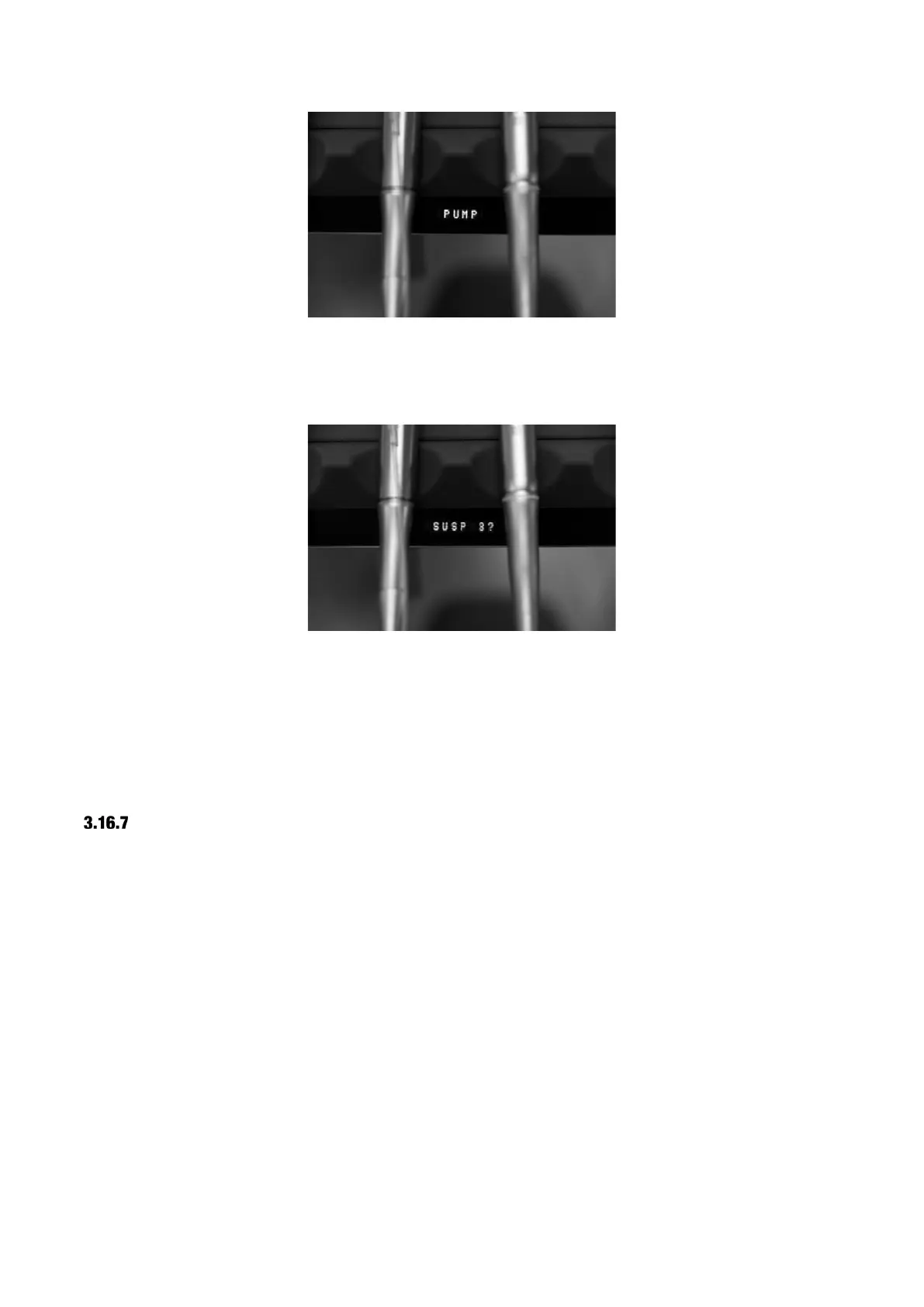
Figure 43 – Display
Use ▲ and ▼ to select the designated suspension that should be used with the pump – see
numbers in Figure 18, page 21.
Figure 44 – Displaying instrument suspension
Use ◄ to confirm the choice of suspension.
Press the configuration button (1) on Figure 41 once to exit configuration mode.
When the designated instrument has been selected, the green LED will blink.
If you want to use the designated instrument without peristaltic pump, select “NONE” in the PUMP
menu.
ADJUSTING THE FLOW LEVEL
Choose between three levels of irrigation:
Increase irrigation with ►
Decrease irrigation with ◄
3.17 INTRAORAL HD VIDEO CAMERA
Unlike all other unit instruments, you may use the video camera also when another instrument is
active.
Lift the camera forward and display a video image on a screen.
Control the video camera with the foot control when no other instruments are lifted forward.
Toggle between “still” and “live” mode with ⬅.
Save the active video image to the connected PC with ⮕.


 To Next Page