Setting Description Connected to terminals (Premium
Card)
Off Required value 2 not used. -
Digital
Digital
The internal required value 2 is used.
For setting, see P02REQUIRED VAL. or
P825 REQ.VAL.2
-
Analog U 0-10V The required value 2 is set by the
value of voltage signal.
X3/11-12
Analog I 0-20mA The required value 2 is set by the
value of current signal.
X3/10-11
Analog I 4-20mA The required value 2 is set by the
value of current signal.
X3/10-11
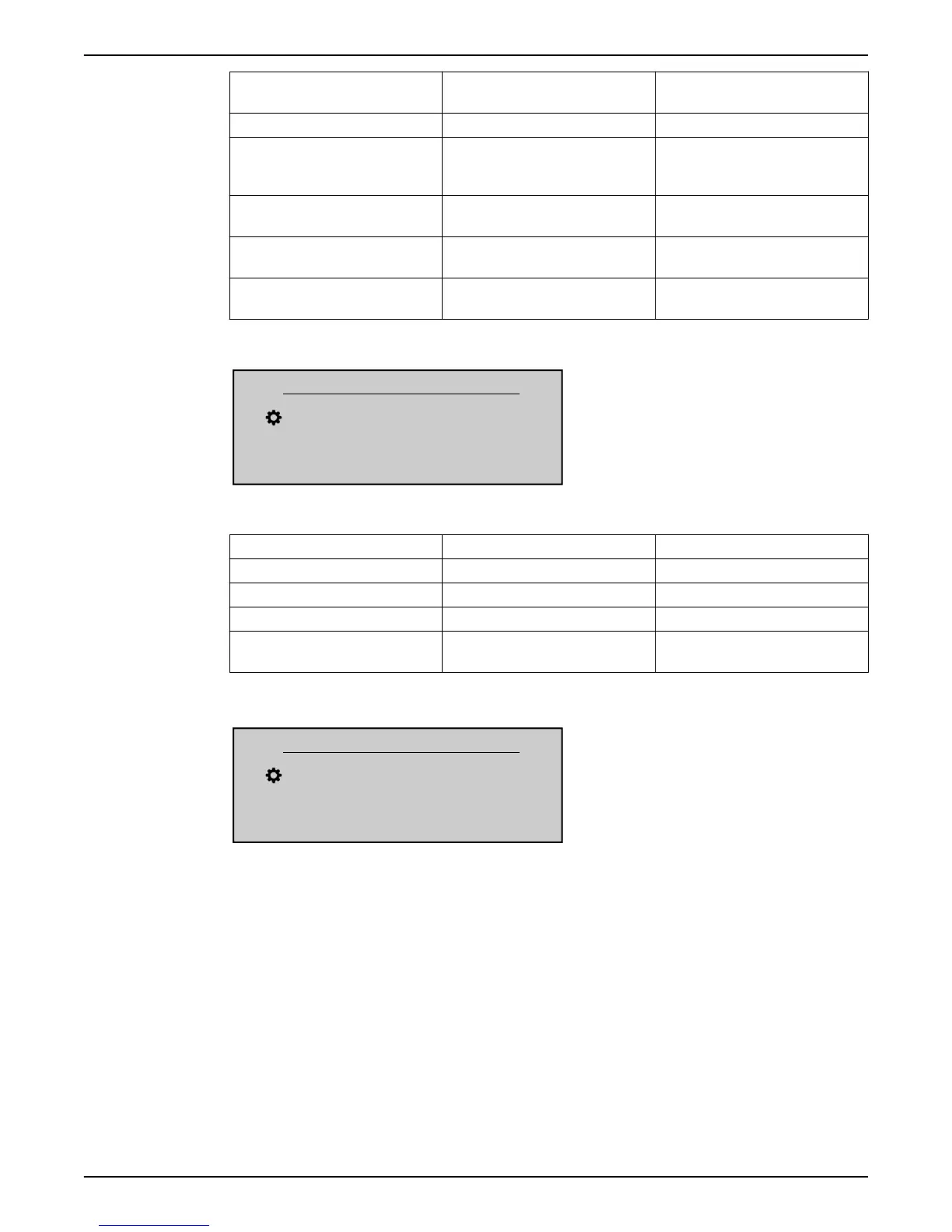
P815 SW.REQ.VAL.
P815 SW.REQ.VAL.
Setpoint 1
Actual Value Output Freq.
Left fct. Up fct. Down fct. Right fct.
Configure the switching between required value 1 and 2. Possible setting are:
Setting Switching possibilities Action
Setpoint 1 No Only required value 1 is active
Setpoint 2 No Only required value 2 is active
Switch Dig 1 Manual Close digital input 1 (X1/14-15)
Switch Dig 2 Manual Close digital input 2 (X3/1-2) on
Premium Card
P820 REQ.VAL.1
P820 REQ.VAL.1
XX.X bar
Actual Value Output Freq.
Left fct. Up fct. Down fct. Right fct.
Sets the digital required value 1 in bar (possible setting 0.0 - P420 SENSOR RANGE).
The value is active in all operation mode (but not Actuator mode), if the following applies:
• P805 C.REQ.VAL.1 is set to Digital.
• P815 SW.REQ.VAL. is set to Setpoint 1 or the REQUIRED VALUE 1 is selected via digital
input (open).
If the current required value is active, P02 REQUIRED VAL. can override the pre-selected
required value.
8 Programming
82 HVL 2.015-4.220 Installation, Operation, and Maintenance Manual





 To Next Page