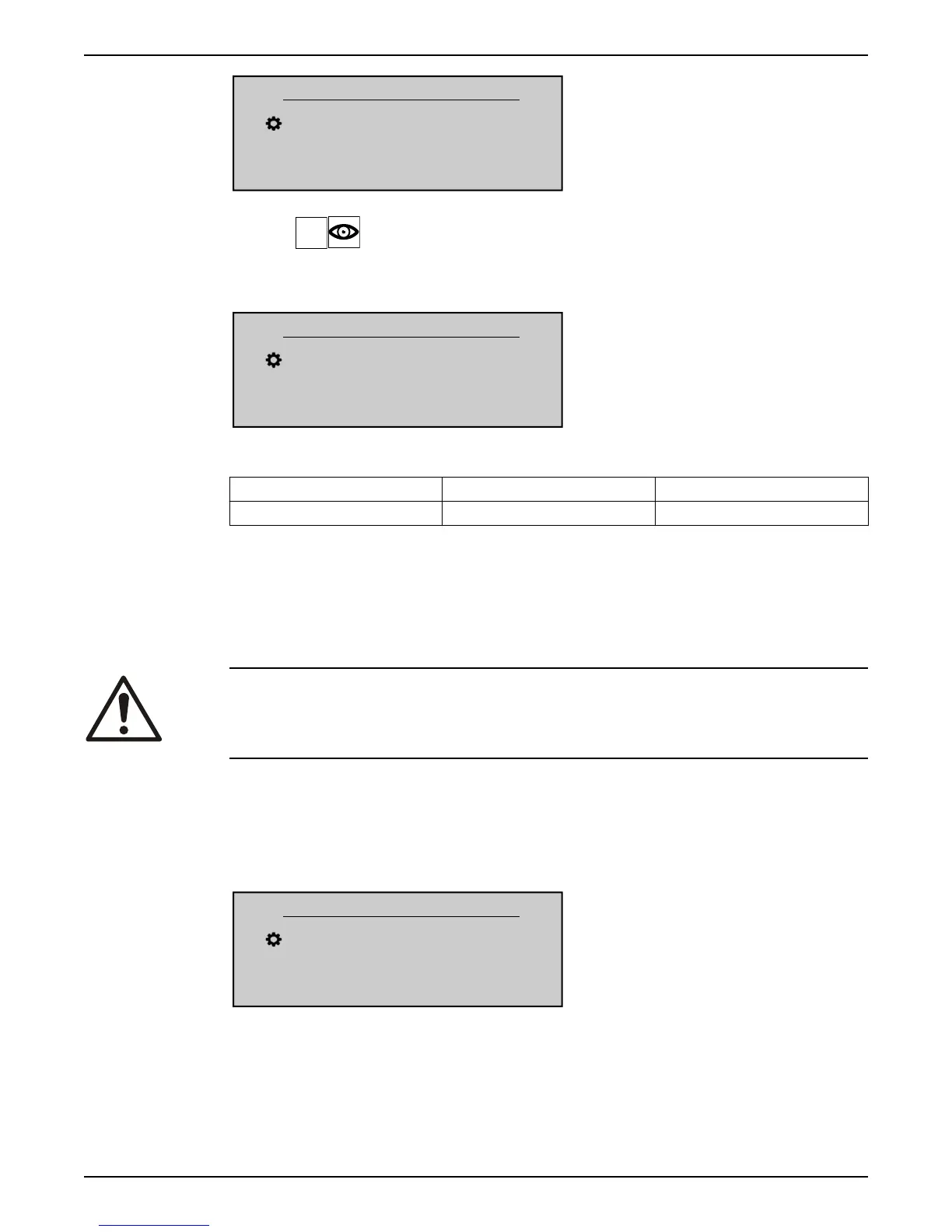
P46 OUTPUT FREQ.
X.XX Hz
Actual Value Output Freq.
Left fct. Up fct. Down fct. Right fct.
P47 VER.INVERTER : POWER
Shows information about the software version of the power board for the selected (by
means of parameter 42) unit.
P47 VER.INVERTER
1.00
Actual Value Output Freq.
Left fct. Up fct. Down fct. Right fct.
For details, see table below.
Displayed value Versions (power sizes) Additional information
1.00 All First Release 12/2015
8.3.4 M60 SETTINGS
MENU SCOPE
This submenu includes the following software parameters:
• PASSWORD
• JOG
CAUTION:
Read these instructions carefully before changing any parameter in this sub menu. The
settings must be carried out by trained and qualified persons. Incorrect settings will cause
malfunction.
It is possible to change all parameters during operation, but it is highly recommended
that the unit is stopped when changing parameters.
P61 PASSWORD
Enter the system password, which gives access to all system parameters: default setting is
00066.
P61 PASSWORD
XXXX
Actual Value Output Freq.
Left fct. Up fct. Down fct. Right fct.
When a correct password is entered, the system remains unlocked for 10 minutes.
For this parameter please note that, once entered into edit mode (by pressing the
provided push button), the user can confirm the new value by pressing for 3 sec the right
(►) push button.
8 Programming
54 HVL 2.015-4.220 Installation, Operation, and Maintenance Manual





 To Next Page