RX-A4A
38
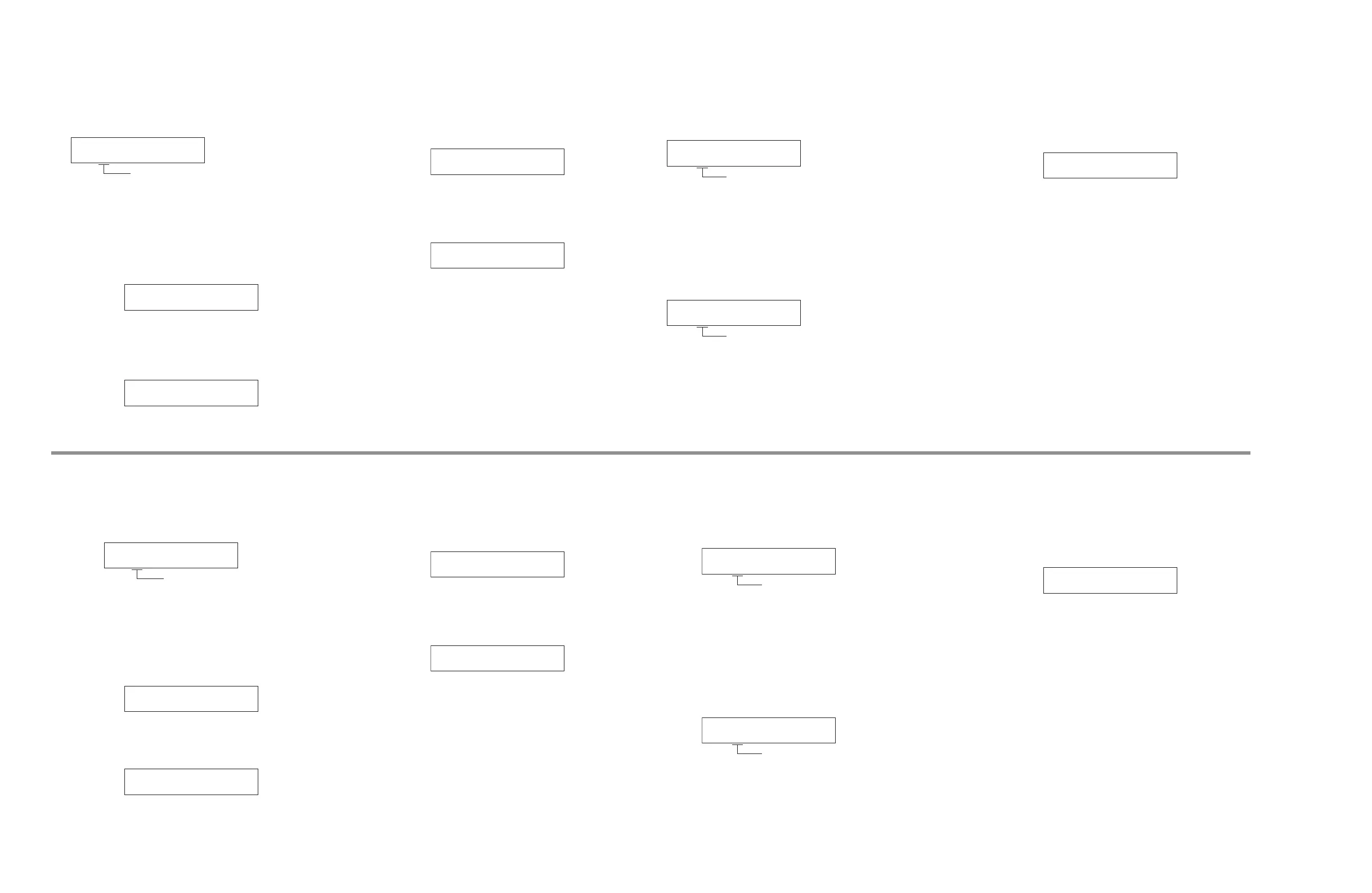
C3. MCPU TO NCPU COMMUNICATION CHECK
C3-1. SPI
MAIN マイコン (M)と NET マイコン (N)の SPI
(Serial Peripheral Interface) 接続をチェックします。
C3-1
SPI: OK
OK: 正常
NG M
"
N: M から N の経路が異常
NG M
!
N: N から M の経路が異常
NG M
1
N: クロック、または M から
N と N から M の経路両方、
または全てが異常
C3-2. MUTE H
NET CPU への MUTE Hi 接続をチェックします。
C3-2
MUTE H: OK
C3-3. MUTE L
NET CPU への MUTE Lo 接続をチェックします。
C3-3
MUTE L: OK
C4. FRONT BUTTON CHECK
操作されたボタンやキーの名前を表示します。
C4-1. FRONT BUTTON
(メニュー表示のみ)
C4-1
FRONT BUTTON
C4-2. BUTTON DISPLAY
ボタンやキーを操作すると、そのボタンやキーの名
前が表示されます。
C4-2
Return
※ ボリュームツマミ操作で C4-1 メニューに戻りま
す。
C5. DSP SPI CHECK
C5-1. MAIN CPU
MAIN マイコン (M)と DSP の SPI (Serial
Peripheral Interface) 接続をチェックします。
C5-1
M-D: OK
OK: 正常
NG M
"
D: MAIN から DSP の経路が異常
NG M
!
D: DSP から MAIN の経路が異常
NG M
1
D: クロック、または MAIN から
DSP と DSP から MAIN の経
路両方、または全てが異常
C5-2. NET CPU
NET マイコン (N)と DSP の SPI (Serial Peripheral
Interface) 接続をチェックします。
C5-1
M-D: OK
OK: 正常
NG D
"
N: DSP から NET の経路が異常
NG D
!
N: NET から DSP の経路が異常
NG D
1
N: クロック、または DSP から
NET と NET から DSP の経路
両方、または全てが異常
V1. ANALOG VIDEO CHECK
アナログ映像信号をチェックします
V1-1. VIDEO INFORMATION
入力されているアナログ映像信号の情報が表示さ
れます。
V1-1
VID IN:---
C3. MCPU TO NCPU COMMUNICATION CHECK
C3-1. SPI
This menu is used to check the SPI (Serial
Peripheral Interface) connection between MAIN
Microprocessor (M) and NET Microprocessor (N).
C3-1
SPI: OK
OK: No error detected
NG M
"
N: An error is detected on M to N route
NG M
!
N: An error is detected on N to M route
NG M
1
N: An error is detected on Clock and/
or M to N and/or N to M route(s)
C3-2. MUTE H
This menu is used to check the MUTE Hi
connection to NET Microprocessor.
C3-2
MUTE H: OK
C3-3. MUTE L
This menu is used to check the MUTE Lo
connection to NET Microprocessor.
C3-3
MUTE L: OK
C4. FRONT BUTTON CHECK
This menu is used to display the name of the operated
button or key.
C4-1. FRONT BUTTON
(Menu display only)
C4-1
FRONT BUTTON
C4-2. BUTTON DISPLAY
When you operate a button or key, the name of the
operated button or key is displayed.
C4-2
Return
* Operate the volume knob to return C4-1 menu.
C5. DSP SPI CHECK
C5-1. MAIN CPU
This menu is used to check the SPI (Serial
Peripheral Interface) connection between MAIN
Microprocessor (M) and DSP.
C5-1
M-D: OK
OK: No error detected
NG M
"
D:
An error is detected on MAIN to DSP route
NG M
!
D:
An error is detected on DSP to MAIN route
NG M
1
D:
An error is detected on Clock and/or MAIN
to DSP and/or DSP to MAIN route(s)
C5-2. NET CPU
This menu is used to check the SPI (Serial
Peripheral Interface) connection between NET
Microprocessor (N) and DSP.
C5-1
M-D: OK
OK: No error detected
NG D
"
N:
An error is detected on DSP to NET route
NG D
!
N:
An error is detected on NET to DSP route
NG D
1
N:
An error is detected on Clock and/or DSP
to NET and/or NET to DSP route(s)
V1. ANALOG VIDEO CHECK
This menu is used to check the analog video signal.
V1-1. VIDEO INFORMATION
The information of input analog video signals is
displayed.
V1-1
VID IN:---



 To Next Page