PLAYBACK ➤ Playing back music stored on a USB storage device En 58
2
Use the cursor keys to select an item and press
ENTER.
If a song is selected, playback starts and the playback
screen is displayed.
• To return to the previous screen, press RETURN.
• To switch between the browse and playback screens during playback, press
DISPLAY.
• Files not supported by the unit cannot be selected.
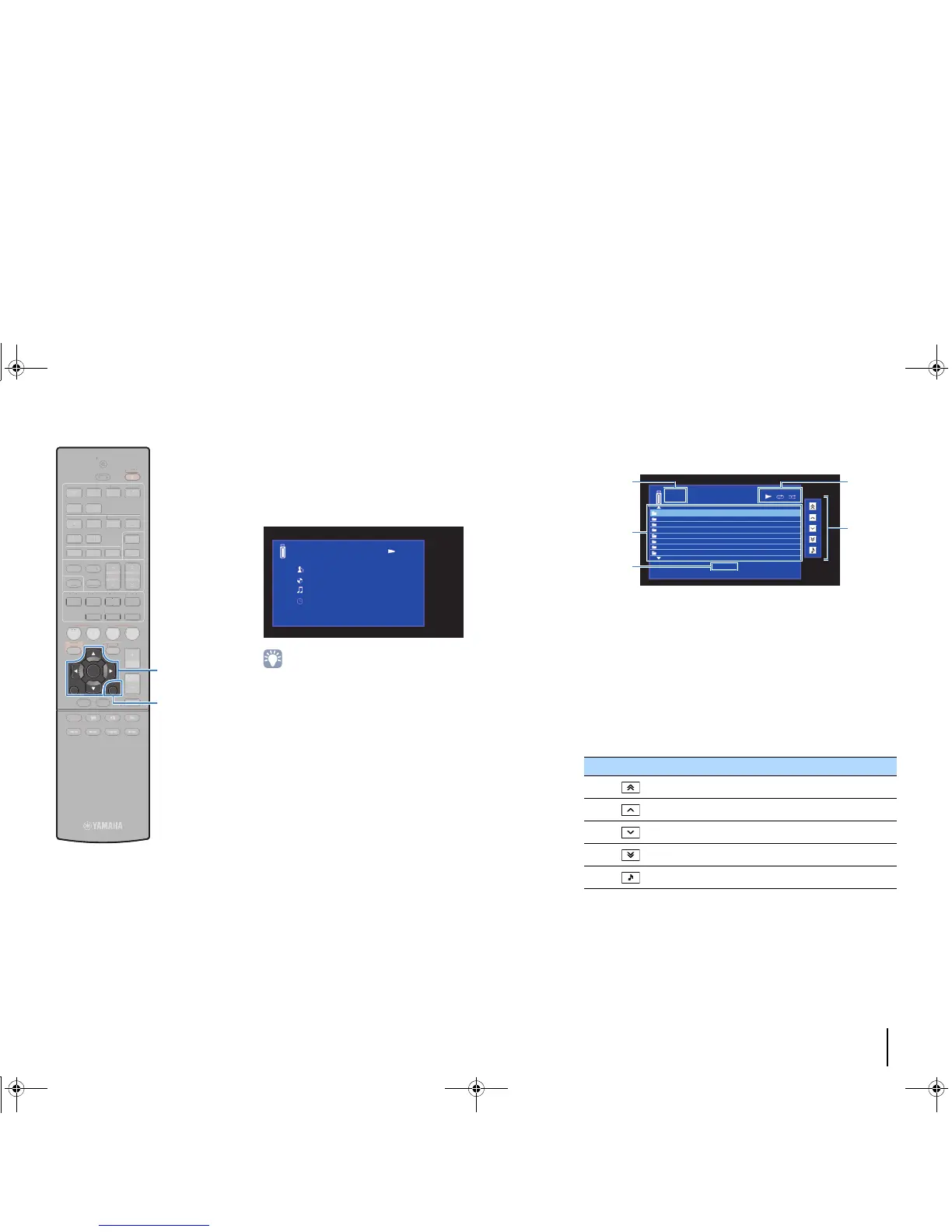
■ Browse screen
1 List name
2 Contents list
Displays the list of USB storage device contents. Use the cursor keys to
select an item and press ENTER to confirm the selection.
3 Item number/total
4 Status indicators
Display the current repeat/shuffle settings (p.59) and playback status
(such as play/pause).
5 Operation menu
Press the cursor key (r) and then use the cursor keys (q/w) to select an
item. Press ENTER to confirm the selection.
Icon Function
Moves 10 pages backward.
Moves to the previous page of the list.
Moves to the next page of the list.
Moves 10 pages forward.
Moves to the playback screen.



 To Next Page