PLAYBACK ➤ Playing back music stored on a USB storage device En 59
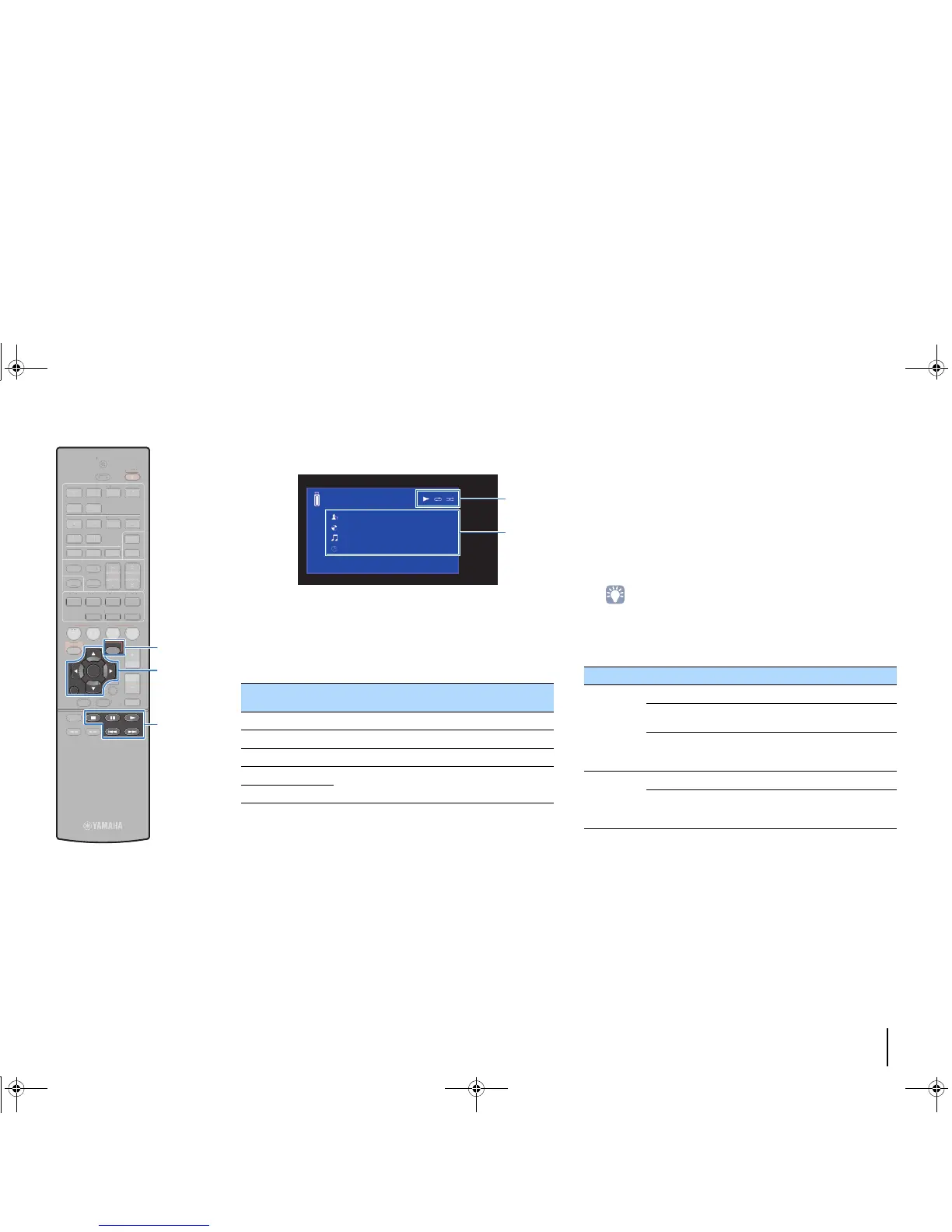
■ Playback screen
1 Status indicators
Display the current repeat/shuffle settings (p.59) and playback status
(such as play/pause).
2 Playback information
Displays the artist name, album name, song title, and elapsed time.
Use the following remote control keys to control playback.
■ Repeat/shuffle settings
You can configure the repeat/shuffle settings for playback of USB
storage device contents.
1
When “USB” is selected as the input source, press
OPTION.
2
Use the cursor keys to select “Repeat” (Repeat) or
“Shuffle” (Shuffle) and press ENTER.
• To return to the previous screen during menu operations, press RETURN.
• Texts in parentheses denote indicators on the front display.
3
Use the cursor keys (e/r) to select a setting.
4
To exit from the menu, press OPTION.
External device
operation keys
Function
a Resumes playback from pause.
s Stops playback.
d Stops playback temporarily.
f
Skips forward/backward.
g
Item Setting Function
Repeat
(Repeat)
Off (Off) Turns off the repeat function.
One (One)
Plays back the current song repeatedly.
“c” appears on the TV screen.
All (All)
Plays back all songs in the current album
(folder) repeatedly.
“v” appears on the TV screen.
Shuffle
(Shuffle)
Off (Off) Turns off the shuffle function.
On (On)
Plays back songs in the current album
(folder) in random order.
“x” appears on the TV screen.



 To Next Page