EasyManua.ls Logo

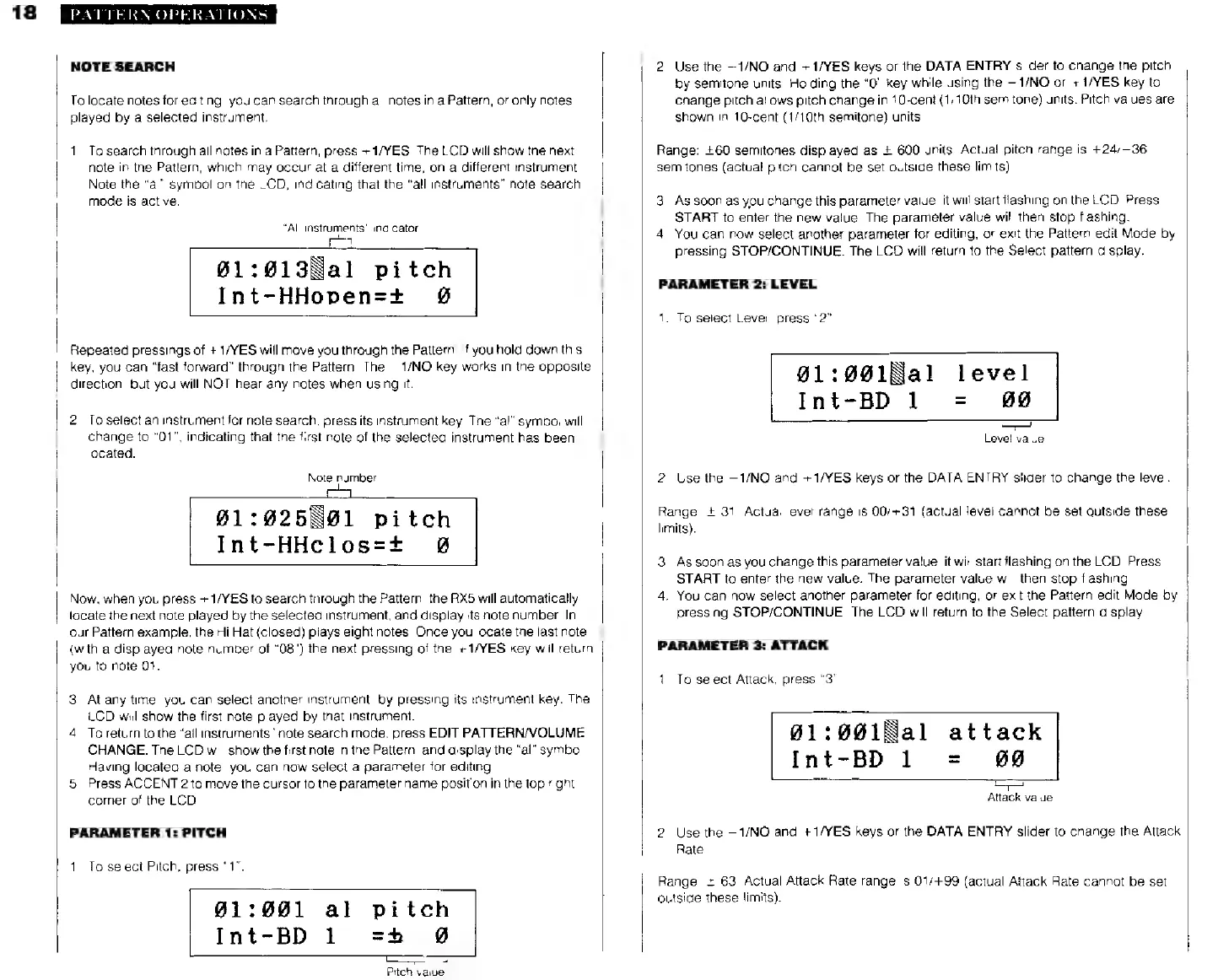
Yamaha RX5 - Page 22

Yamaha RX5
81 pages
Print Icon
To Next Page IconTo Next Page
To Previous Page IconTo Previous Page
Loading...
18
PATTERN
OPERATIONS
NOTE
SEARCH
To
locate
notes
for
editing,
you
can
search
through
all
notes
in
a
Pattern,
or
only
notes
played
by
a
selected
instrument.
1.
То
search
through
all
notes
in
a
Pattern,
press
+1/YES.
The
LCD
will
show
the
next
note
in
the
Pattern,
which
may
occur
at a
different
time,
on
a
different
instrument.
Note
the
“al”
symbol
on
the
LCD,
indicating
that
the
"all
instruments”
note
search
А
;
i
mode
is
active.
“All
instruments"
indicator
L3
061:013Ñal
pitch
Int-HHopen=+
90
Repeated
pressings
of
+
1/YES
will
move
you
through
the
Pattern,
If
you
hold
down
this
key,
you
can
"fast
forward"
through
the
Pattern.
The
—1/NO
key
works
in
the
opposite
direction,
but
you
will
NOT
hear
any
notes
when
using
it.
2.
To
select
an
instrument
for
note
search,
press
its
instrument
key.
The
“al”
symbol
will
change
to
"01",
indicating
that
the
first
note
of
the
selected
instrument
has
been
located.
Note
number
91:925
91
pitch
Int-HHiclos=*
80
Now,
when
you
press
+1/YES
to
search
through
the
Pattern,
the
RX5
will
automatically
locate
the
next note
played
by
the
selected
instrument,
and
display
its
note
number.
In
our
Pattern
example,
the
Hi
Hat
(closed)
plays
eight
notes.
Once
you
locate
the
last
note
(with
a
displayed
note
number
of
"08")
the
next
pressing
of
the
+1/YES
key
will
return
you
to
note
01.
3.
At
any
time,
you
can
select
another
instrument,
by
pressing
its
instrument
key.
The
LCD
will
show
the
first
note
played
by
that
instrument.
4.
Toreturn
to
the
"all
instruments"
note
search
mode,
press
EDIT
PATTERN/VOLUME
CHANGE.
The
LCD
will
show
the
first
note
in
the
Pattern,
and
display
the
"al"
symbol.
Having
located
a
note,
you
can
now
select
a
parameter
for
editing.
5.
Press
ACCENT
2
to
move
the
cursor
to
the
parameter
name
position
in
the
top
right
corner
of
the
LCD.
PARAMETER
1:
PITCH
1.
To
select
Pitch,
press
"1".
01:881
al
pitch
Int-BD
1
сі
Ø
Pitch
value
2.
Use
the
—1/NO
and
+1/YES
keys
or
the
DATA
ENTRY
slider
to
change
the
pitch
by
semitone
units.
Holding
the
"О"
key
while
using
the
—1/NO
or
+1/YES
key
to
change
pitch
allows
pitch
change
in
10-cent
(1/10th
semitone)
units.
Pitch
values
are
shown
in
10-cent
(1/10th
semitone)
units.
Range:
2-60
semitones
displayed
as
+
600
units.
Actual
pitch
range
is
+24/—36
semitones
(actual
pitch
cannot
be
set
outside
these
limits)
3.
As
soon
as
you
change
this
parameter
value,
it
will
start
flashing
on
the
LCD.
Press
START
to
enter
the
new
value.
The
parameter
value
will
then
stop
flashing.
4.
You
can
now
select
another
parameter
for
editing,
or
exit
the
Pattern
edit
Mode
by
pressing
STOP/CONTINUE.
The
LCD
will
return
to
the
Select
pattern
display.
PARAMETER
2:
LEVEL
1.
To
select
Level,
press
"2".
01:091Ба!
level
Int-BD1
=
#0
Level
value
2.
Use
the
-1/МО
and
+1/YES
keys
or
the
DATA
ENTRY
slider
to
change
the
level.
Range:
+
31.
Actual
levet
range
is
00/+31
(actual
level
cannot
be
set
outside
these
limits).
3.
As
soon
as
you
change
this
parameter
value,
it
will
start
flashing
on
the
LCD.
Press
START
to
enter
the
new
value.
The
parameter
value
will
then
stop
flashing.
4.
You
can
now
select
another
parameter
for
editing,
or
exit
the
Pattern
edit
Mode
by
pressing
STOP/CONTINUE.
The
LCD
will
return
to
the
Select
pattern
display
PARAMETER
3:
ATTACK
1.
To
select
Attack,
press
"3"
901:001Па1
attack
Int-BD
1
=
69
oc
Attack
value
2.
Use
the
-1/МО
and
+1/YES
keys
or
the
DATA
ENTRY
slider
to
change
the
Attack
Rate
Range:
+
63.
Actual
Attack
Rate
range
is
01/+99
(actual
Attack
Rate
cannot
be
set
outside
these
limits).