EasyManua.ls Logo

Yamaha RX5 - Page 40

Yamaha RX5
81 pages
Print Icon
To Next Page IconTo Next Page
To Previous Page IconTo Previous Page
Loading...
36
EDIT
УОС
МОЕ
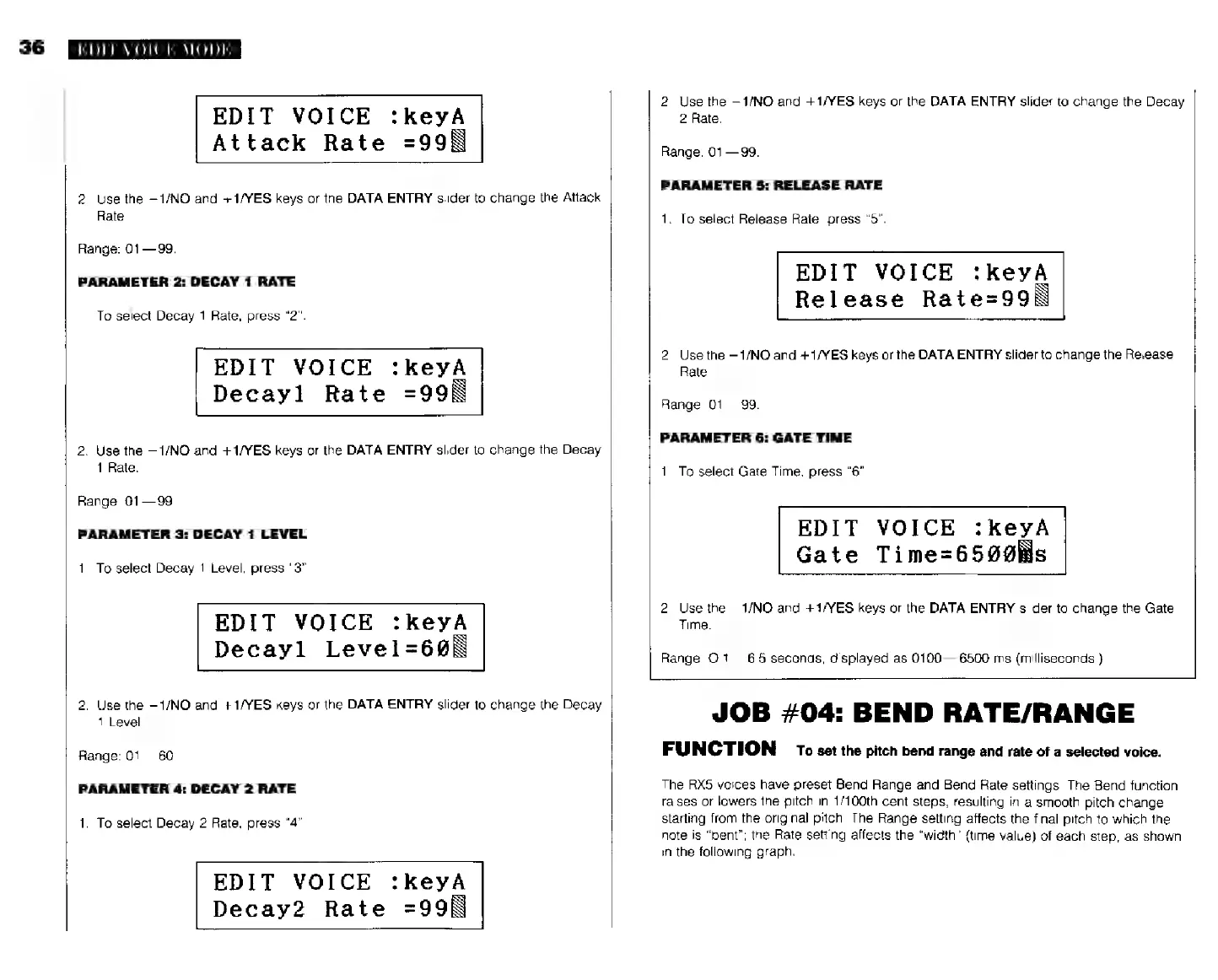
EDIT
VOICE
:keyA
Attack
Rate
=99N
2.
Use
the
—1/NO
and
+1/YES
keys
or
the
DATA
ENTRY
slider
to
change
the
Attack
Rate.
Range:
01—99.
PARAMETER
2:
DECAY
1
RATE
To
select
Decay
1
Rate,
press
“2”.
EDIT
VOICE
:keyA
Decayl
Rate
=99N
2.
Use
the
—1/NO
and
+1/YES
keys
or
the
DATA
ENTRY
slider
to
change
the
Decay
1
Rate.
Range:
01—99.
PARAMETER
3:
DECAY
1
LEVEL
1.
To
select
Decay
1
Level,
press
"3".
EDIT
VOICE
:keyA
Decayl
Level=6@N
2.
Use
the
—1/NO
and
+1/YES
keys
or
the
DATA
ENTRY
slider
to
change
the
Decay
1
Level.
Range:
01—
60
PARAMETER
4:
DECAY
2
RATE
1.
To
select
Decay
2
Rate,
press
"4"
EDIT
VOICE
:keyA
Decay2
Rate
=99N
2.
Use
the
—1/NO
and
+1/YES
keys
or
the
BATA
ENTRY
slider
to
change
the
Decay
2
Rate.
Range:
01—99.
PARAMETER
5:
RELEASE
RATE
1.
To
select
Release
Rate,
press
"5".
EDIT
VOICE
:keyA
Release
Rate=99N
2.
Use
the
—1/NO
and
+1/YES
keys
or
the
DATA
ENTRY
slider
to
change
the
Release
Rate.
Range:
01—99.
PARAMETER
6:
GATE
TIME
1.
To
select
Gate
Time,
press
"6"
EDIT
VOICE
:КеуА
Gate
Time=6590Ns
2.
Use
the
-1/МО
and
+1/YES
keys
or
the
DATA
ENTRY
slider
to
change
the
Gate
Time.
Range:
O.1
6.5
seconds,
displayed
as
0100—6500
ms
(milliseconds.)
JOB
#04:
BEND
RATE/RANGE
FUNCTION
то
set
the
pitch
bend
range
and
rate
of
a
selected
voice.
The
RX5
voices
have
preset
Bend
Range
and
Bend
Rate
settings.
The
Bend
function
raises
or
lowers
the
pitch
in
1/100th
cent
steps,
resulting
in
a
smooth
pitch
change
starting
from
the
original
pitch.
The
Range
setting
affects
the
final
pitch
to
which
the
note
is
"bent";
the
Rate
setting
affects
the
"width"
(time
value)
of
each
step,
as
shown
in
the
following
graph.